
DNS leaks are among the most common — and most misunderstood — network privacy issues. Even when traffic routes through a VPN or proxy, a resolver leak can expose the domains you look up to your ISP or local network. This guide explains how DNS leaks happen, how to identify them, and how to prevent them for good.
What is a DNS leak
When you visit a website, your system first queries a DNS resolver to translate the domain name into an IP address. If those queries do not follow the same path as the rest of your protected traffic, the resolver — and anyone observing it — can see what domains you visit, even if the content itself stays encrypted.
Why DNS leaks happen
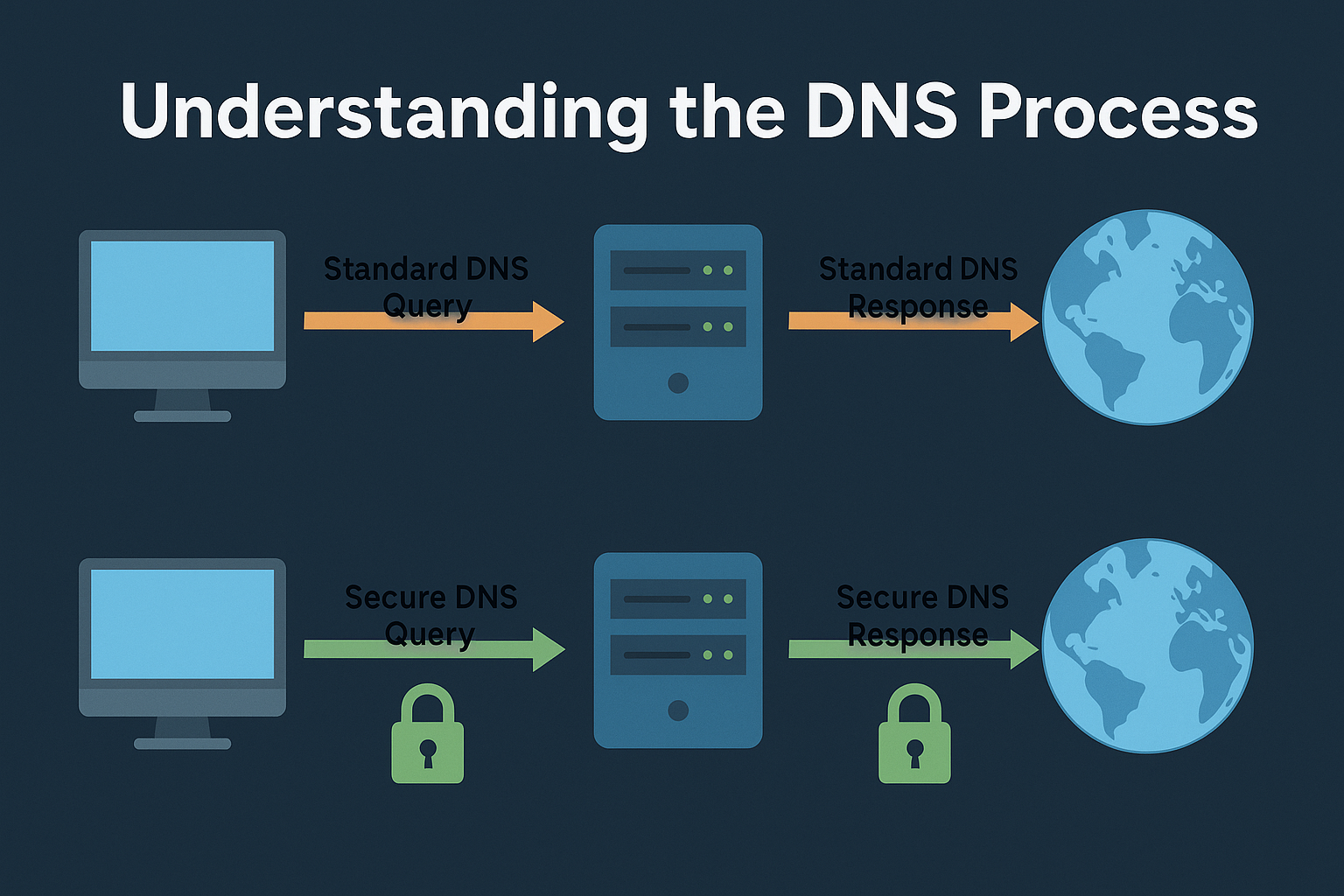
- Mixed adapter states: When the system keeps the default network route active while the VPN adapter is connected.
- Incorrect resolver binding: The DNS service is not pinned to the VPN adapter or proxy interface.
- Custom DNS in OS settings: Manual entries override tunnel pushed resolvers.
- DoH or DoT mismatch: A browser using its own encrypted resolver that does not match the system policy.
How to test for leaks
- Connect your VPN or proxy as usual.
- Open a leak test service or run
nslookup/digcommands to known test domains. - Compare the resolver IPs shown with your intended path — they should belong to your trusted resolver, not your ISP or local gateway.
- Disable the secure path temporarily and retest to confirm difference.
Common leak sources
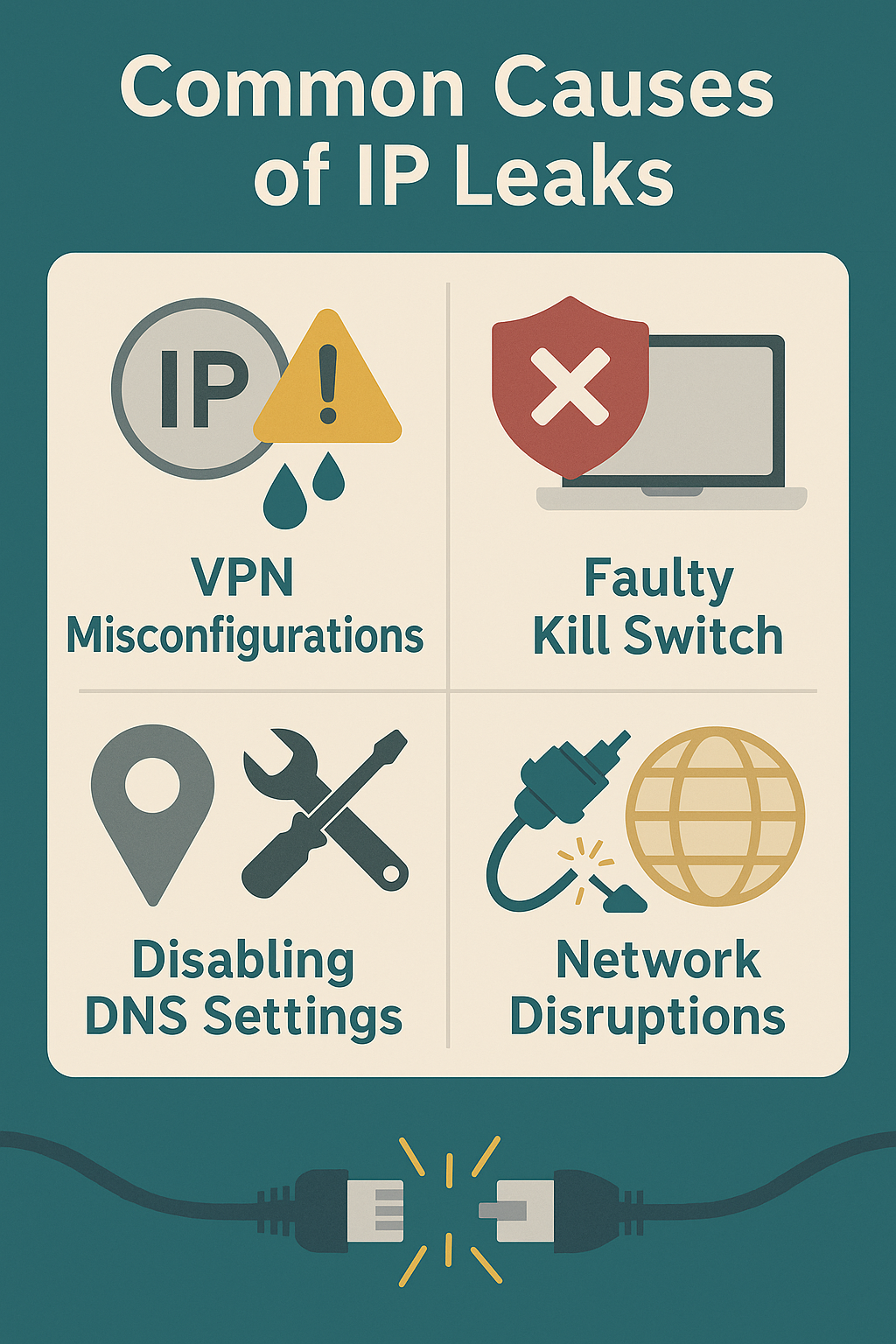
- System resolver service: Continues using the default interface after the tunnel is established.
- Third party DoH/DoT apps: Override the system resolver chain entirely.
- Virtualization and containers: Use separate namespaces with their own DNS path.
- IPv6 fallback: The VPN may tunnel IPv4 only, letting IPv6 queries resolve directly.
How to prevent DNS leaks
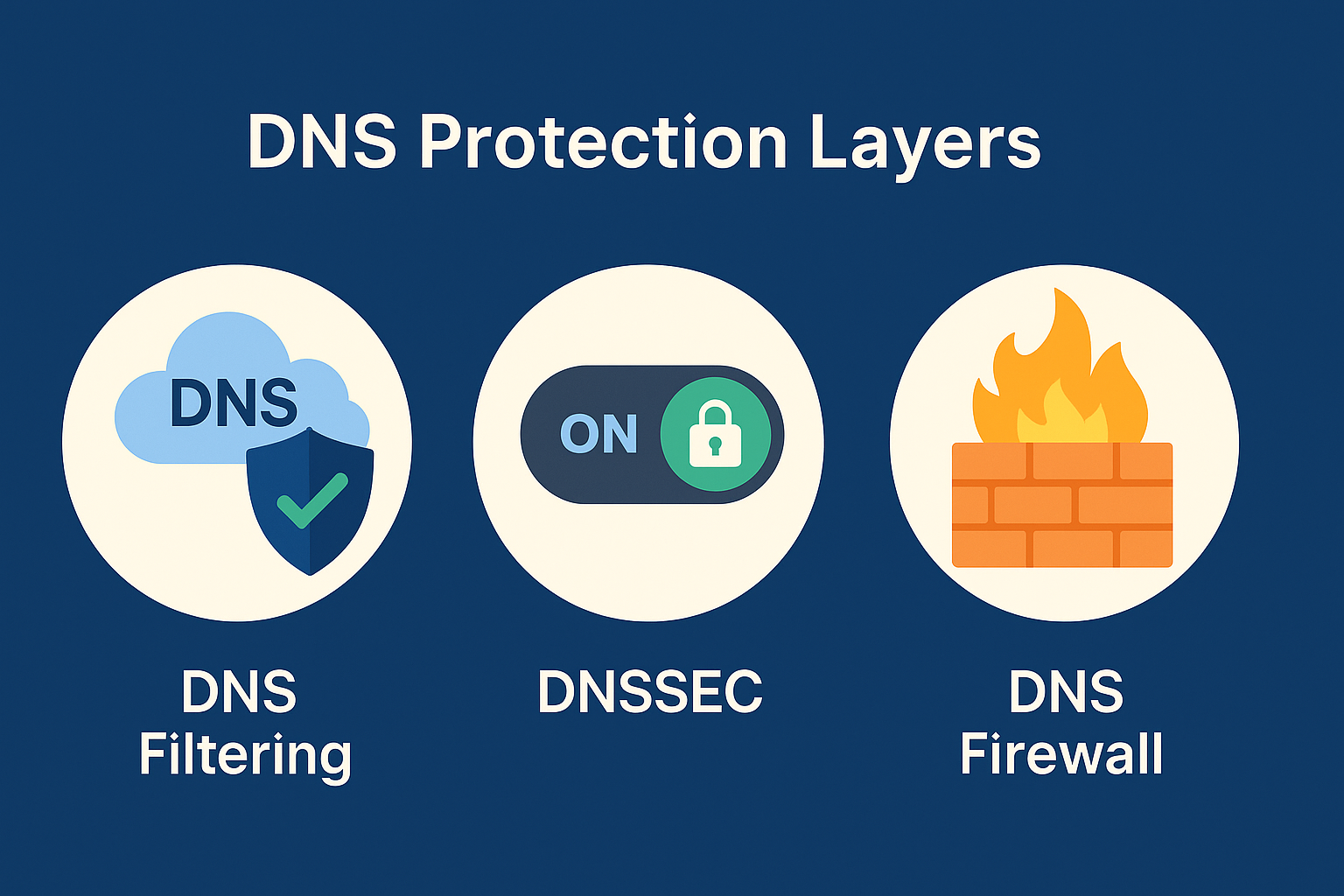
- Pin the resolver: Use a DNS server reachable only through your VPN or proxy adapter.
- Match DNS with the traffic path: Ensure DNS requests follow the same interface as app data.
- Disable external DoH unless managed: Keep resolver policies centralized and consistent.
- Unify IPv4 and IPv6 behavior: Configure both or disable IPv6 if unsupported.
- Validate after restart: Adapter order and routing tables may change after reboot or suspend.
Practical testing commands
dig test.torsentinel.net
nslookup test.torsentinel.net
ipconfig /all | findstr DNS
netstat -rn
Advanced mitigation
- Enforce adapter binding for DNS queries via firewall or routing rules.
- Use an internal resolver inside the encrypted path if your platform supports it.
- Monitor DNS query logs for requests not matching the intended adapter.
- Automate post connect verification with scripts or monitoring agents.
Summary checklist
- DNS leaks reveal visited domains, even if traffic is encrypted.
- Bind resolvers to the secure adapter and route lookups consistently.
- Monitor for IPv6 and external DoH mismatches.
- Retest after OS updates and reboots.