A VPN that still connects when others get blocked.
Hotel Wi-Fi, campus and office networks, and some countries block VPNs outright. Stealth VPN is built to keep working there, so your connection stays private and the open internet stays open.
Windows 10 and 11. Apps for macOS, Android and iOS are in development.
Made for the places ordinary VPNs don't work
Many networks spot and block well-known VPN connections. Stealth VPN is designed so that doesn't cut you off.
Hotels, cafés and airports
Public Wi-Fi that blocks VPNs, or only lets web browsing through. Connect once and carry on as usual.
Campus and workplace networks
Networks with strict filters. Keep your personal browsing private from the network you're on.
Countries that filter the internet
Reach news, messaging and the sites you rely on while travelling or living where access is restricted.
Everyday privacy
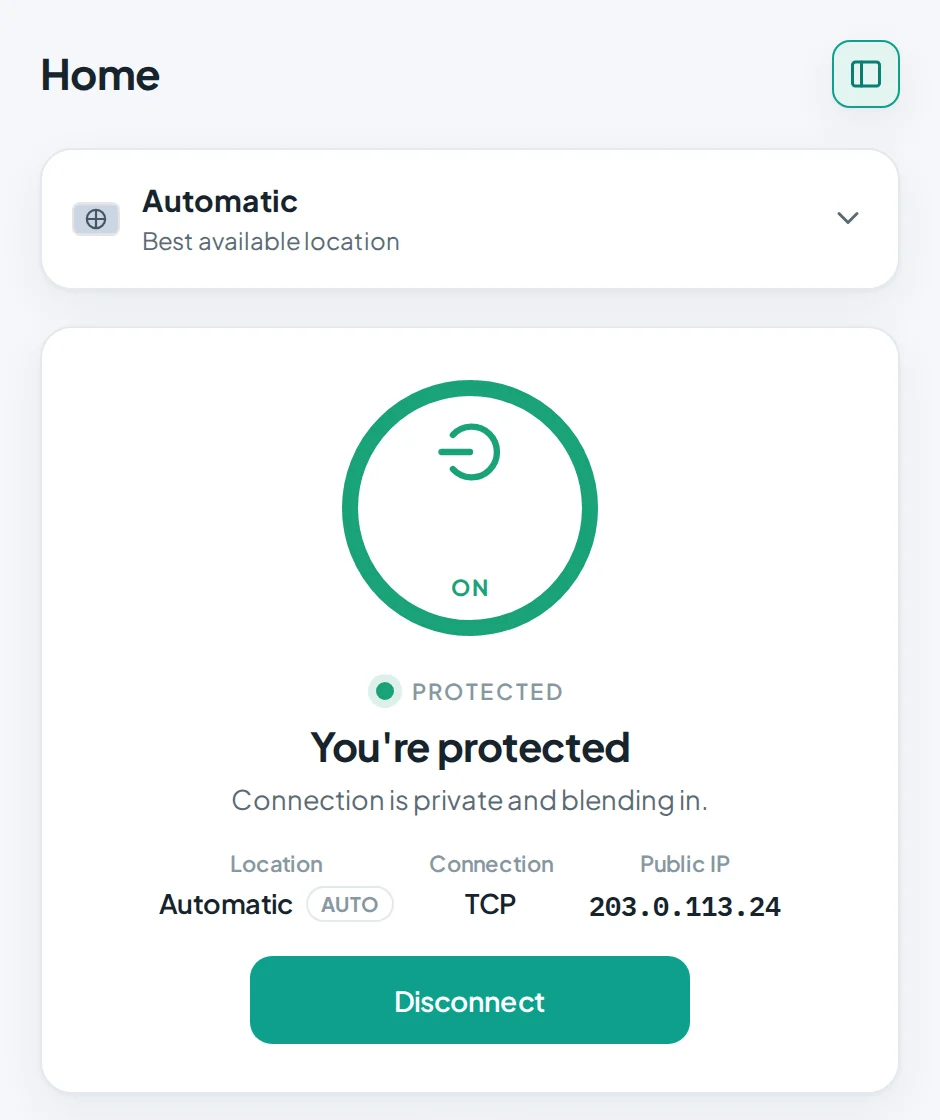
Your whole device goes through an encrypted tunnel, including DNS lookups. IPv6 is blocked so it can't leak around the tunnel.
No service can promise to work on every network, which is why you can try it free first. Please follow the laws that apply where you are.
Start in about a minute
No account form, no card. Just an email address to send your code to.
Install the app
Download StealthLink for Windows and run the installer.
Choose free access
Enter your email and the 6-digit code we send you.
Connect
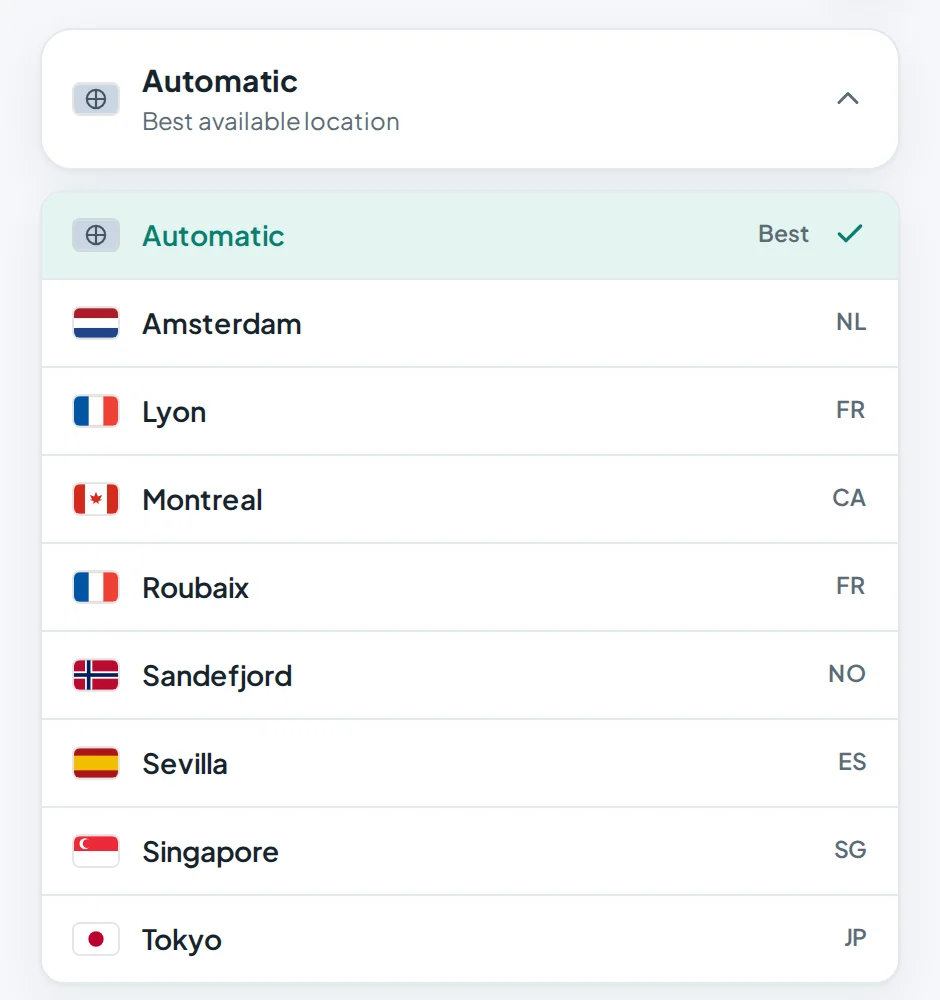
Leave it on Automatic for the fastest location, or pick one yourself.
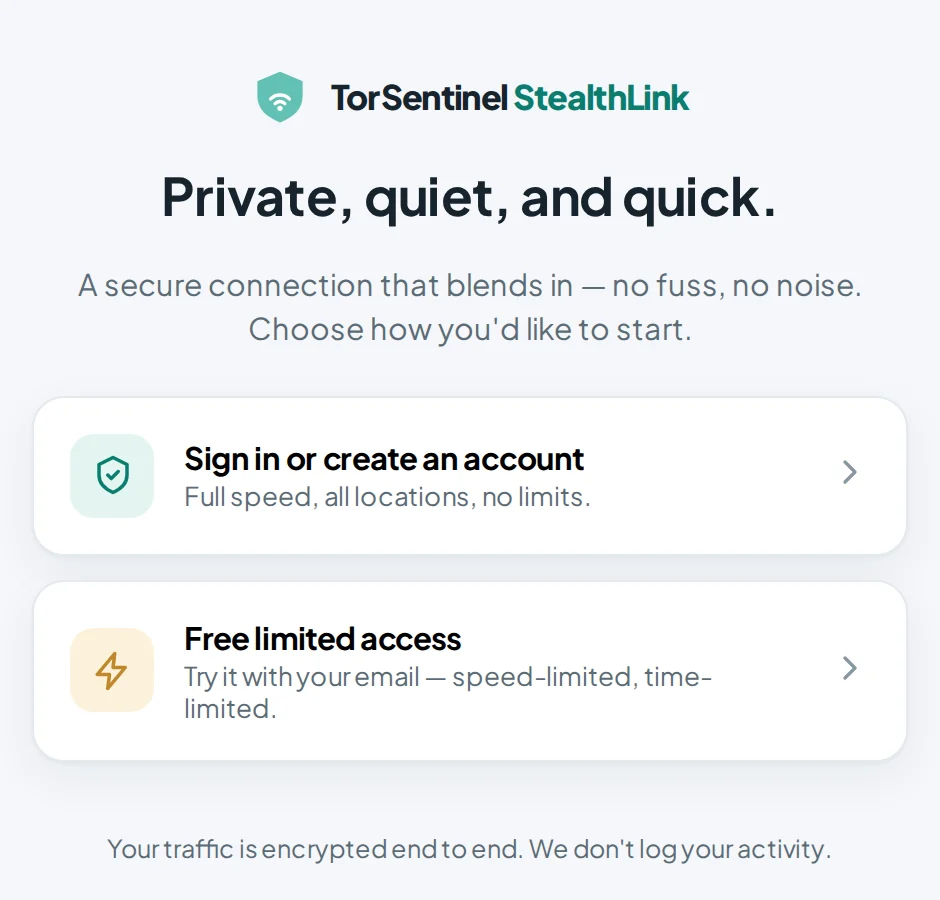
Want full speed? Get full access on this site. Your plan comes with its own VPN login, shown in your dashboard and emailed to you. Sign in to the app with it and you're on full access.
Free access, or full access
Free access is for trying Stealth VPN and for light use. Full access removes every limit.
| Free | Full access | |
|---|---|---|
| Price | $0 | $7.99 a month, or $71.88 a year |
| Speed | Up to 5 Mbps | Unlimited |
| Session length | 30 minutes, then reconnect | No limit |
| Daily use | Up to 2 hours a day | No limit |
| Devices at once | 1 | Up to 5 |
| Locations | 8 | 8 |
| What you need | An email address | A TorSentinel account |
7-day money-back guarantee. Cancel any time from your dashboard.
Where you can connect
Amsterdam, Lyon, Roubaix, Montreal, Sandefjord, Sevilla, Singapore and Tokyo. The app keeps this list up to date on its own, and "Automatic" tests them and picks the fastest one for you.
Questions people ask
Will it work on my network or in my country?
It's designed for networks that block ordinary VPNs, and that's where most of our users rely on it. Networks change, though, so we can't guarantee every one. That's why there's a free tier: check that it connects for you before you pay.
Do you keep logs of what I do?
No. We don't record the sites you visit or the content of your traffic. To run the service we keep what's needed to enforce plan limits, such as how many devices are connected. Our no-logs policy explains exactly what is and isn't kept.
How is this different from Armor?
They solve different problems. Stealth VPN is for staying connected and private on networks that block VPNs. Armor is for torrenting: it gives you forwarded ports for seeding and a SOCKS5 proxy for your torrent client. You can have both on one account.
How do I upgrade from free?
Buy Stealth VPN on this site. Each plan gets its own VPN username and password, which we email to you and show in your dashboard. In the app, choose Sign in and enter them. You can change the username and password in your dashboard whenever you like.
Which devices are supported?
Windows 10 and 11 today. macOS, Android and iOS apps are in development and will be available to the same plan at no extra cost.
Is using a VPN legal?
In most countries, yes. Some places restrict VPN use. You're responsible for following the laws that apply where you are.
What if it doesn't work for me?
Paid plans have a 7-day money-back guarantee. If you have trouble connecting, open a ticket and tell us your country and network type (home, mobile, hotel, office). A real person will reply.
Try it on the network you're on now.
Free access takes a minute to set up. If it connects, you're done.