
Five tools. Pick the one that fits.
Not sure which you need? Answer one question: what are you trying to do?
| If you want to… | Choose |
|---|---|
| Get online privately on a network that blocks VPNs (hotel, campus, office, a filtered country) | Stealth VPN |
| Keep your connection private on public Wi-Fi | Stealth VPN |
| Download and seed torrents without exposing your home IP | Armor |
| Get forwarded ports for better seeding and ratios | Armor |
| Route only your torrent client through a proxy | Armor (SOCKS5) |
| Know immediately if your existing VPN or proxy stops protecting your torrents | Monitor |
| Get an IP in a specific city for your TV, router or phone | Streaming IP |
| Get an IP from a home internet provider, for sites that turn away data-center IPs | Residential IP |
For restrictive networks
Stealth VPN
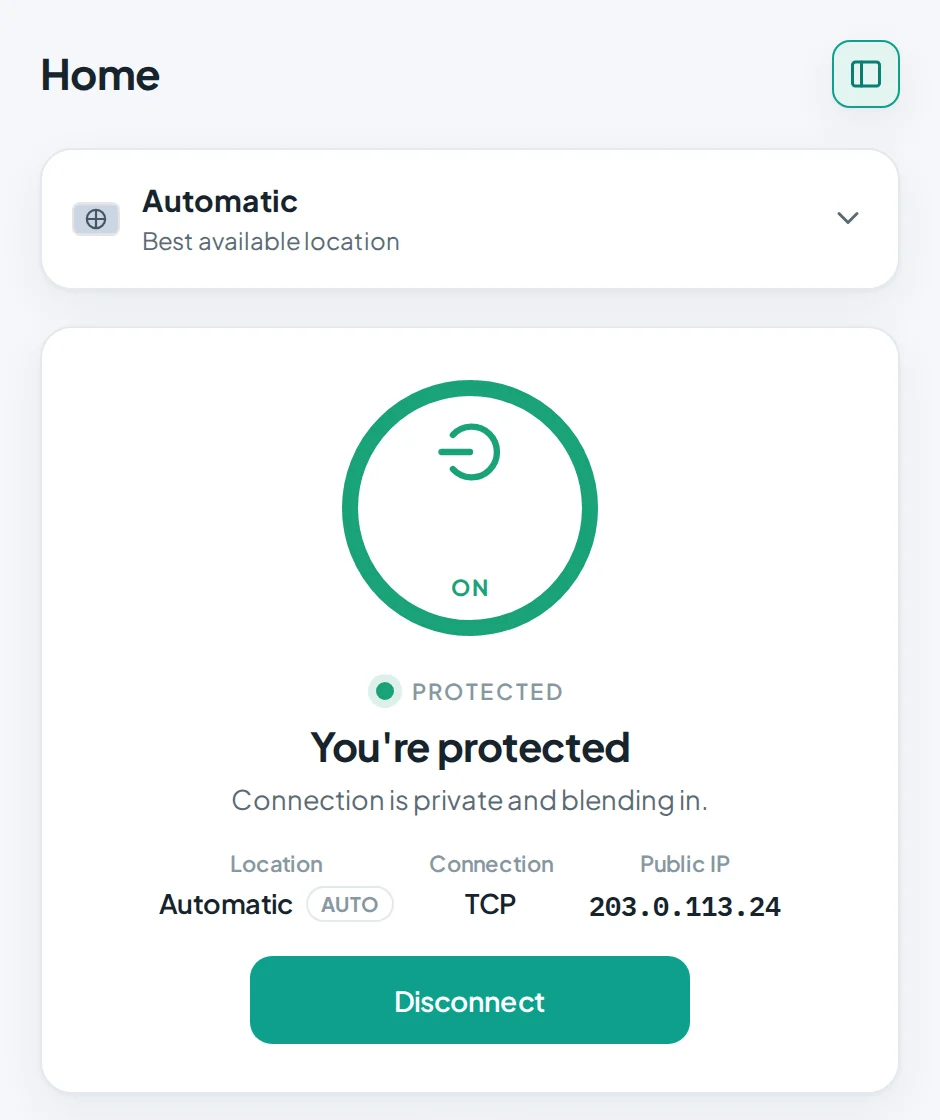
A VPN for places that block VPNs. Stealth VPN keeps you connected and private on hotel, campus and office networks, and in countries that filter the internet. Its app is the StealthLink app.
- Keeps working on networks that block ordinary VPNs
- Whole-device protection, with DNS inside the tunnel and IPv6 leaks blocked
- Free access to try it: verify an email in the app and connect
- Full access: unlimited speed and time, up to 5 devices, 8 locations
- Apps for Windows, macOS, Linux and Android; iPhone and iPad coming soon
For torrenting
Armor
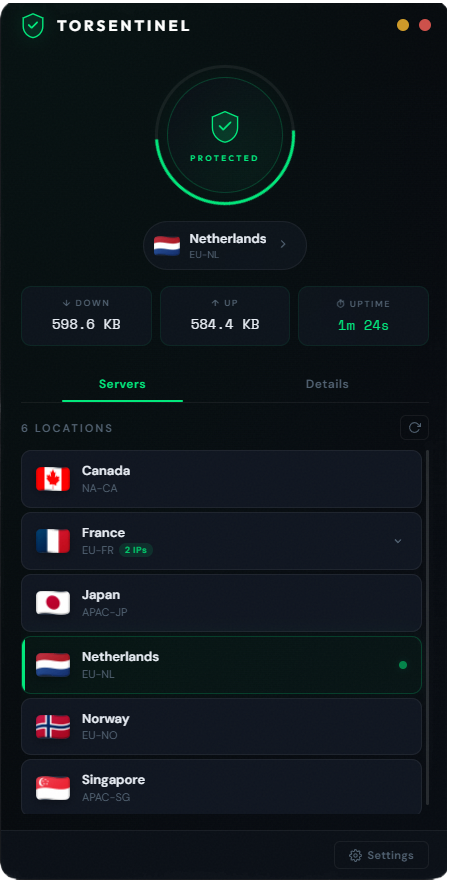
Torrent without showing your home IP to the swarm. Use the WireGuard VPN with forwarded ports for fast seeding, or the SOCKS5 proxy for just your torrent client, or both.
- WireGuard VPN with port forwarding, so peers can connect to you and your seeding stays fast
- SOCKS5 proxy for qBittorrent, Deluge, Transmission and others
- Setup tools: the Armor app for Windows, macOS and Linux, Armor Proxy Auto-Setup for Windows, and Docker configs
- Monitor included: alerts if your torrent IP changes, for up to 8 torrent clients
- Priority support
Leak alerts for torrents
Monitor
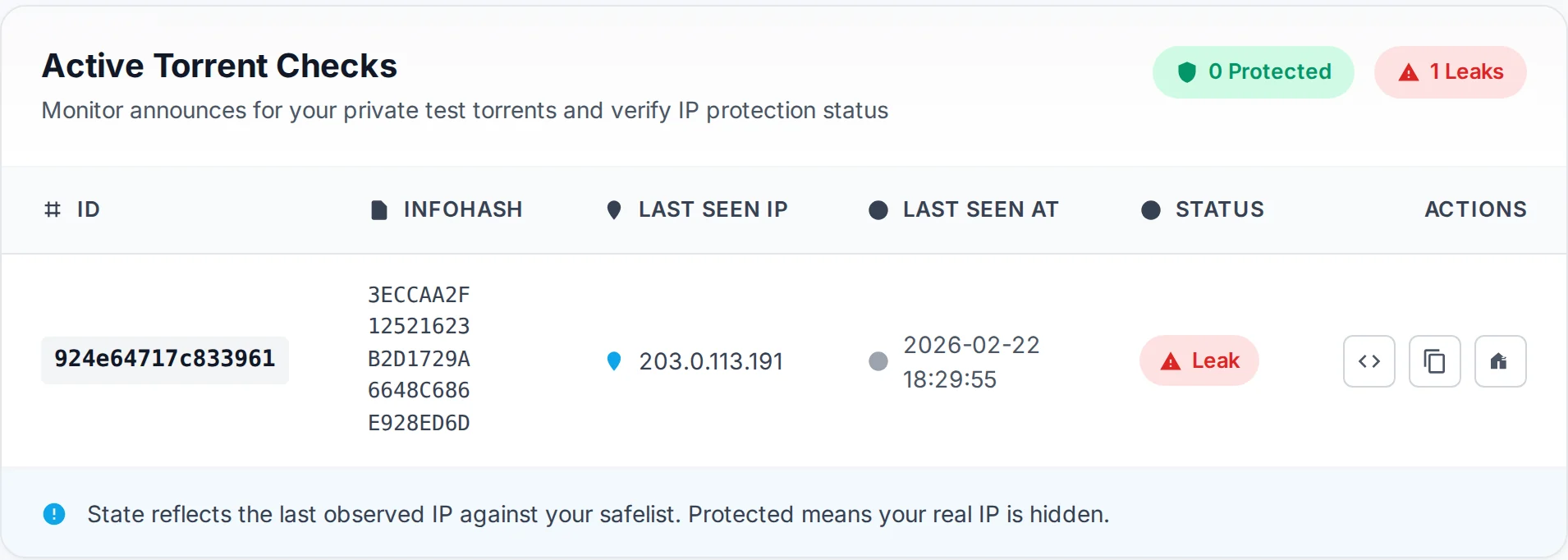
VPNs drop and settings change. Monitor keeps watching the IP your torrent client shows to the swarm and tells you the moment it changes.
- Round-the-clock checks of your torrent-facing IP
- Email and Telegram alerts, plus a JSON endpoint for your own scripts
- Any torrent client, no plugins to install
- Up to 5 torrent clients
An IP in the city you choose
Streaming IP
Pick a city and every device on your plan goes online from an IP there. It is plain WireGuard, so it works in the official apps and on routers and TVs.
- One location per plan, buy more for more countries
- Several devices, each with its own key, QR code and config file
- Live connection status for every device in your dashboard
- Switch IP in the same city from your dashboard
An IP from a home internet provider
Residential IP
Like Streaming IP, but the IP is registered to a home internet provider instead of a data center. Pick a city, see its ISP, and every device on your plan goes online from that IP over WireGuard.
- ISP-registered IP, not a hosting range; the ISP is shown for every city
- One location per plan, buy more for more cities
- Several devices, each with its own key, QR code and config file
- Switch IP in the same city from your dashboard
Free privacy tools
Quick checks anyone can run. No sign-up.
Still deciding?
Tell us what you're trying to do and we'll point you to the right plan. Or compare prices side by side.