
Split tunneling lets you choose which apps or destinations use a VPN tunnel and which do not. Done well, it reduces latency and avoids overloading a single encrypted pipe. Done poorly, it creates side channels that weaken privacy and reliability. This guide explains practical routing patterns, risks, and guardrails that still keep things simple.
What split tunneling is
Instead of forcing all traffic through a VPN adapter, split tunneling allows a subset to bypass the tunnel. Policies can be per app, per destination, or per subnet. The usual goals are lower latency for real time traffic and reduced load on the encrypted link.
Why people use it
- Performance: Keep latency sensitive traffic direct while bulk or sensitive flows stay in the tunnel.
- Access: Reach local LAN devices or region locked services without disconnecting the VPN.
- Stability: Reduce congestion on a single encrypted path during heavy transfers.
When split tunneling is a bad fit
- Strict privacy models: Environments that require one trusted egress by policy.
- Mixed DNS paths: If name resolution flips between resolvers, apps may leak metadata outside the intended path.
- Unmanaged hosts: Shared or loosely managed systems where users can create ad hoc exclusions.
Common patterns
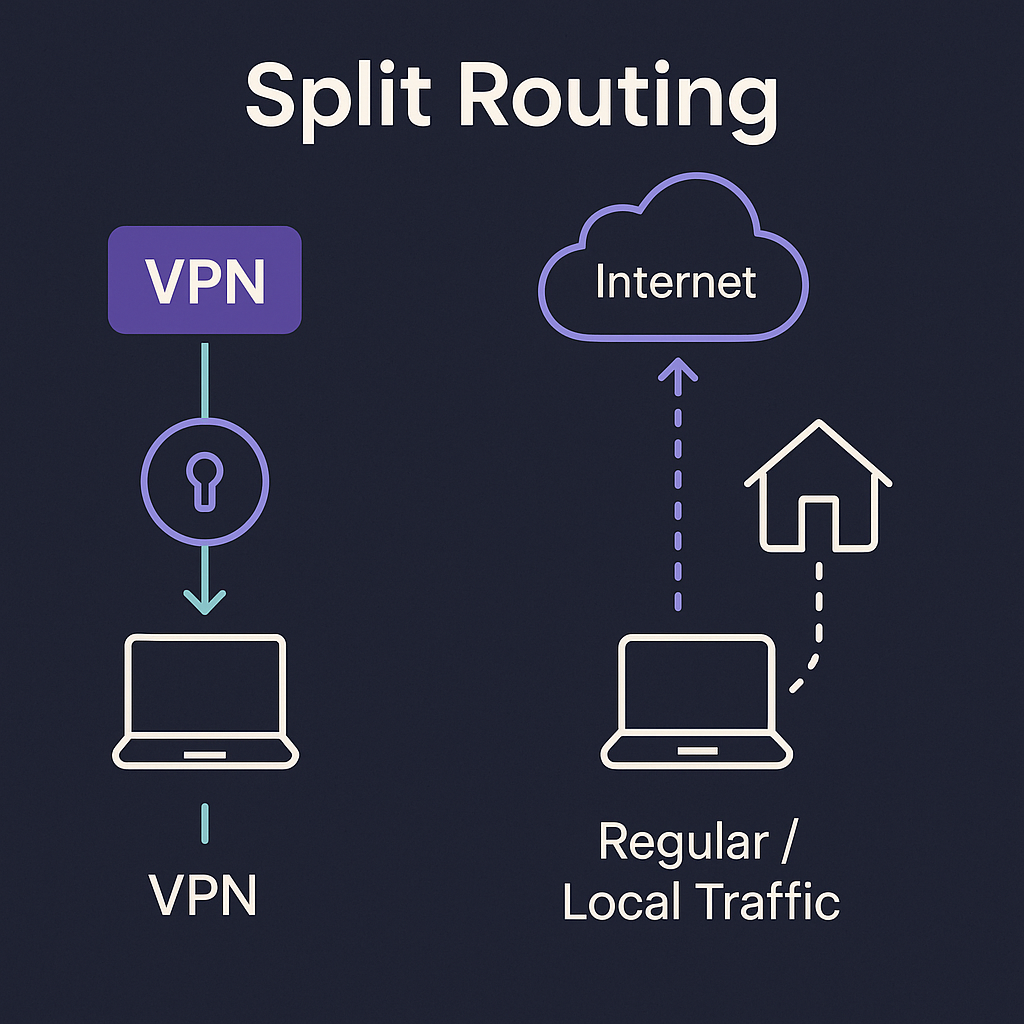
- Per app split: Choose specific apps that bypass or use the tunnel. Simple mental model; easy to audit.
- Destination split: Route subnets or domains directly while the rest stays tunneled. Powerful but needs careful DNS alignment.
- Inverse split: Default direct, only selected apps go through the tunnel. Useful on constrained hardware where only a few apps need privacy.
Risk scenarios and how to prevent them
| Scenario | Why it happens | Guardrail |
|---|---|---|
| App starts before tunnel | Race at boot or resume | Delay start until adapter up; firewall deny outside tunnel |
| Mixed DNS path | System resolver flips or split includes DNS | Pin resolver; route DNS consistently with traffic |
| Local services unreachable | All traffic forced into tunnel | Add explicit LAN subnets to direct list |
| Unexpected IPv6 route | IPv6 policy differs from IPv4 | Set explicit IPv6 stance per app or per OS |
Speed vs privacy: finding a balance

- If the privacy requirement is strict, use full tunnel and avoid splits.
- If the need is mixed, use per app split for specific tools and keep DNS policy consistent.
- Only use destination splits if you control names and subnets or can monitor them.
Implementation tips
- Define the trusted adapter: Know the VPN interface name and bind sensitive apps to it where possible.
- Write deny rules first: Firewall policy should fail closed if the adapter is down.
- Keep DNS with the flow: Route name lookups the same way as the app traffic to avoid side channels.
- Be explicit about IPv6: Permit or disable it per policy. Avoid half configured states.
- Audit after changes: Test with a small workload and verify routes before and after reboot or sleep.
Policy checklist
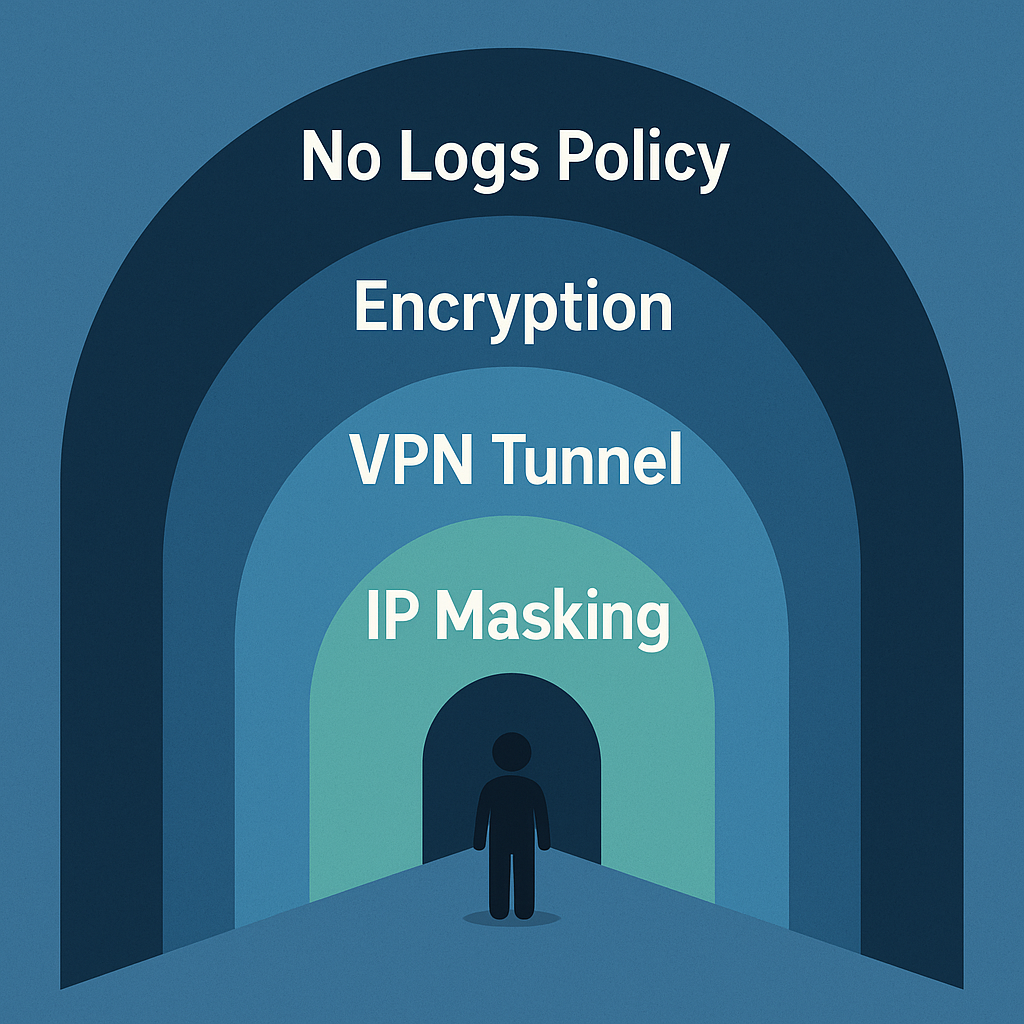
- Bind sensitive apps to the VPN adapter when possible.
- Deny outside path by default; allow only intended flows.
- Align DNS with the chosen route; monitor for resolver flips.
- Set an explicit IPv6 policy and keep it consistent.
- Delay autostart until the trusted adapter is confirmed up.
FAQ
Does split tunneling always reduce privacy
No. Split tunneling is a tool. It can preserve privacy if guardrails are in place: binding, deny outside path, and DNS alignment. Problems appear when traffic or DNS escapes the intended route.
Is per app split safer than destination split
Usually yes, because it is easier to reason about and audit. Destination splits require careful DNS handling and continual review as services change.
What should I test after enabling a split
Verify adapter binding, firewall behavior when the VPN is down, DNS resolver path, and IPv6 route. Reboot and repeat the test to catch race conditions.