
A firewall is more than a perimeter. For privacy it is the guardrail that prevents accidental egress, mixed DNS paths, and adapter fallbacks. This guide explains how to express a simple privacy policy as outbound rules that age well across updates and restarts.
Privacy policy in one line
Only allow the application to talk through the trusted path. Deny other egress. Verify that name resolution follows the same path.
- Trusted path: a VPN adapter, a proxy endpoint, or a specific interface and subnet.
- Fail closed: if the trusted path is down, traffic must stop rather than fall back.
- Resolver alignment: DNS queries use the same interface as the application traffic.
How rules flow
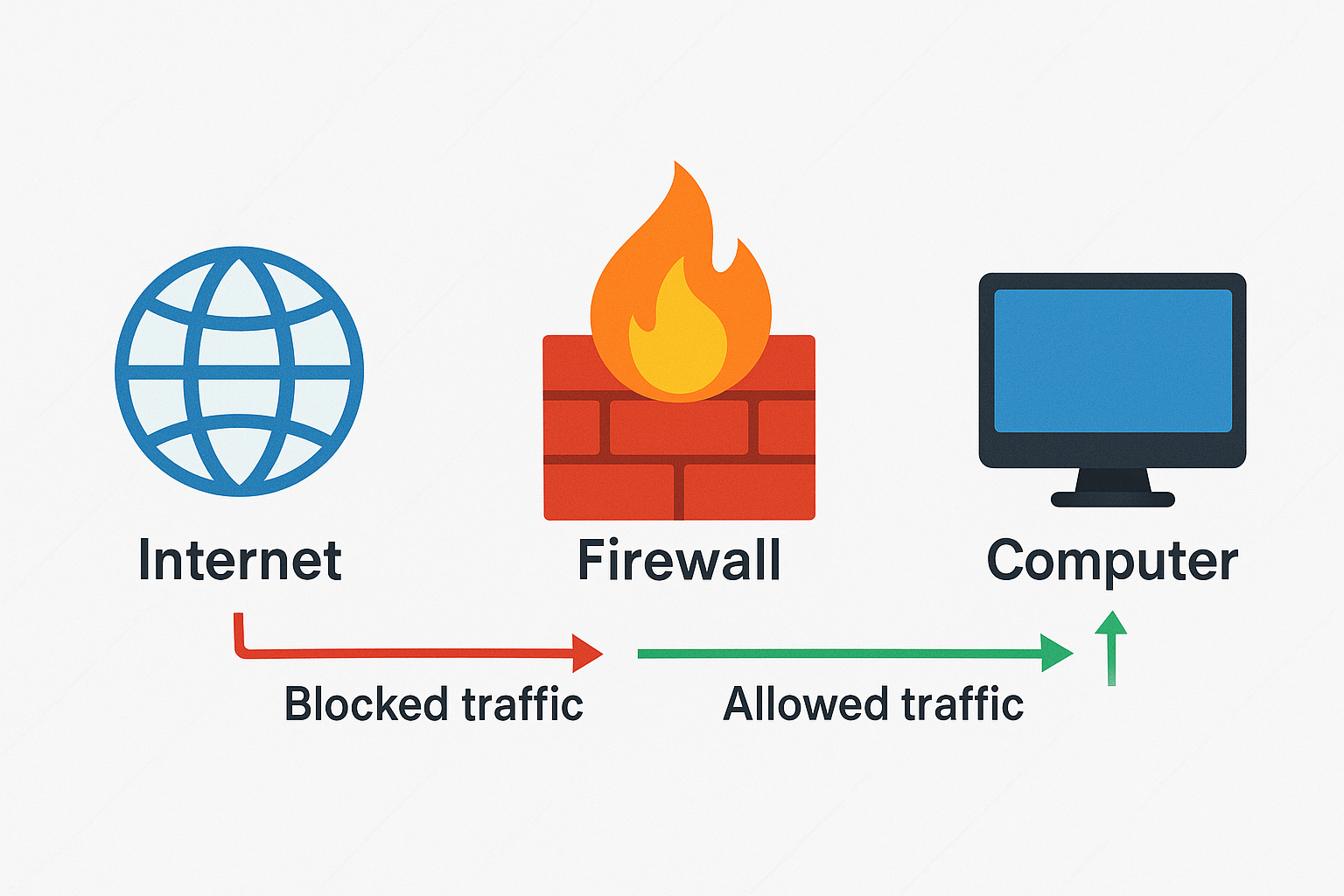
Core building blocks
- Outbound allow list: permit app to contact proxy or VPN subnets and management endpoints.
- Outbound default deny: block app from any other external address or interface.
- DNS alignment: allow DNS only to your resolver inside the trusted path; deny other resolvers.
- Inbound minimalism: only open ports that are strictly required, if any.
Rule priority and scope
| Layer | Purpose | Example |
|---|---|---|
| Application allow | Let the app reach proxy or VPN endpoints only | Allow exe to 10.0.0.5:1080 and 10.0.0.6:1080 via interface tun0 |
| DNS allow | Permit resolver inside trusted path | Allow udp 53 or doh hostname over trusted interface |
| Default deny | Block other destinations and interfaces | Deny app outbound any any |
Cross platform examples
Windows outline (conceptual)
- Create outbound rule to allow app exe to proxy IPs and ports.
- Create outbound rule to allow DNS only to your resolver IP or DoH endpoint.
- Create outbound block rule for the app to any address not matched by allow rules.
Linux outline (conceptual)
- Mark app traffic or run app in a namespace bound to the trusted interface.
- Use nftables or iptables to allow marked traffic to proxy or VPN subnets and to resolver, then drop the rest.
- Optional: policy routing or wg interface rules to enforce adapter binding.
macOS outline (conceptual)
- Use an app or pf anchors to allow app to contact trusted endpoints and resolver.
- Add a final block rule for app outbound to any other destination.
Validation routine
- Stop the app. Enable rules. Start the app and verify that connections succeed only to allowed endpoints.
- Disable the trusted interface. Confirm the app cannot reach the internet.
- Check DNS lookups. They should resolve only via the allowed resolver path.
- Reboot and repeat to catch adapter race conditions.
Layered defense
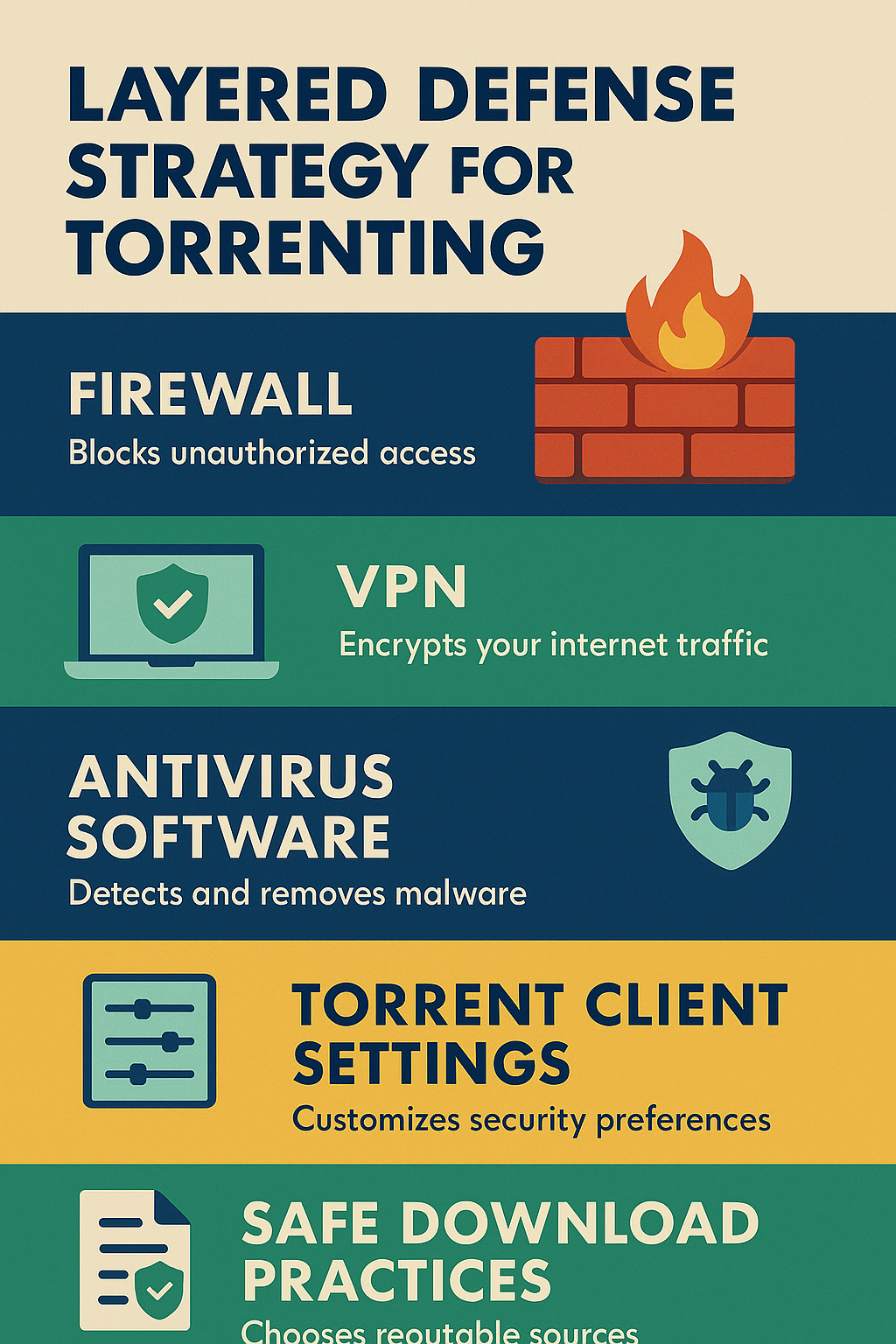
Privacy firewall checklist
- Allow app to contact only trusted endpoints on the trusted interface.
- Allow DNS only to a pinned resolver on the same path.
- Block all other outbound traffic from the app.
- Keep inbound closed unless strictly needed.
- Test after reboots and updates.