
This guide walks through the security and privacy settings that most torrent clients provide today. The goal is simple and repeatable protection that survives restarts, updates, and day to day use. The recommendations are neutral and focus on operational hygiene rather than brand specifics.
Core model: one trusted path and deny outside it
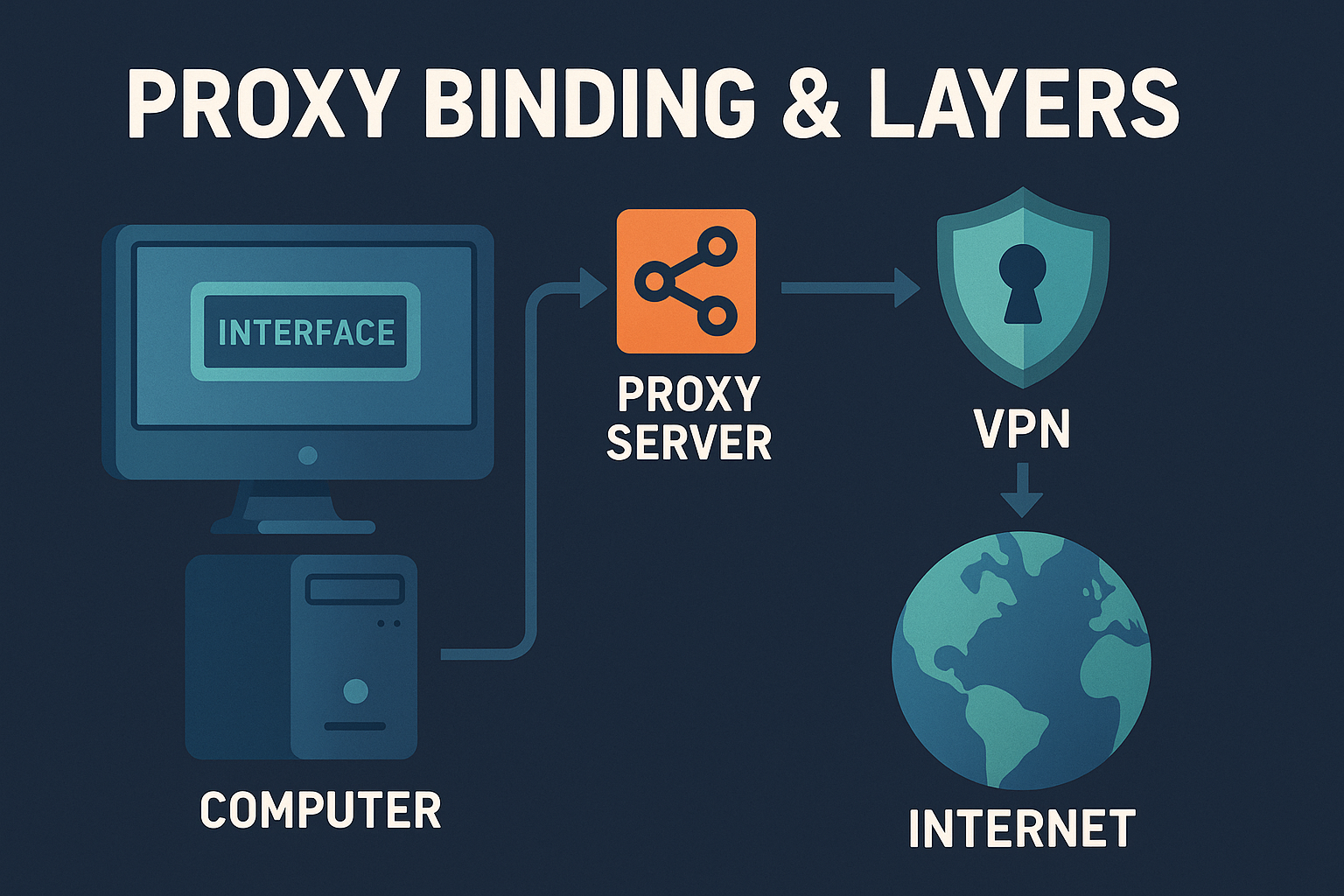
All clients benefit from the same foundation. Pick a trusted network path and tie the client to it. Then add firewall rules that deny egress outside that path. If the trusted adapter is down, traffic should fail closed rather than fall back to a default route.
Settings that matter in every client
- Network interface binding: Bind to a specific adapter such as a VPN or a proxy facing interface. Avoid Any interface.
- Proxy support: Use SOCKS5 or HTTPS proxy when per app routing is required. Decide how encryption is handled at the app or system layer.
- Transport and ports: Choose a fixed listening port, evaluate TCP versus micro Transport Protocol, and disable UPnP or NAT PMP on untrusted networks.
- Peer discovery scope: Tune DHT and PEX according to rules or tolerance. Private communities often require both off.
- Web UI hygiene: Strong authentication, no open exposure, non default port, and allowlists at the reverse proxy if used.
- DNS consistency: Keep the resolver path aligned with the client path. Decide on IPv6 explicitly.
- Safe restart: Delay autostart until the trusted adapter is confirmed up. Verify after updates.
qBittorrent quick setup
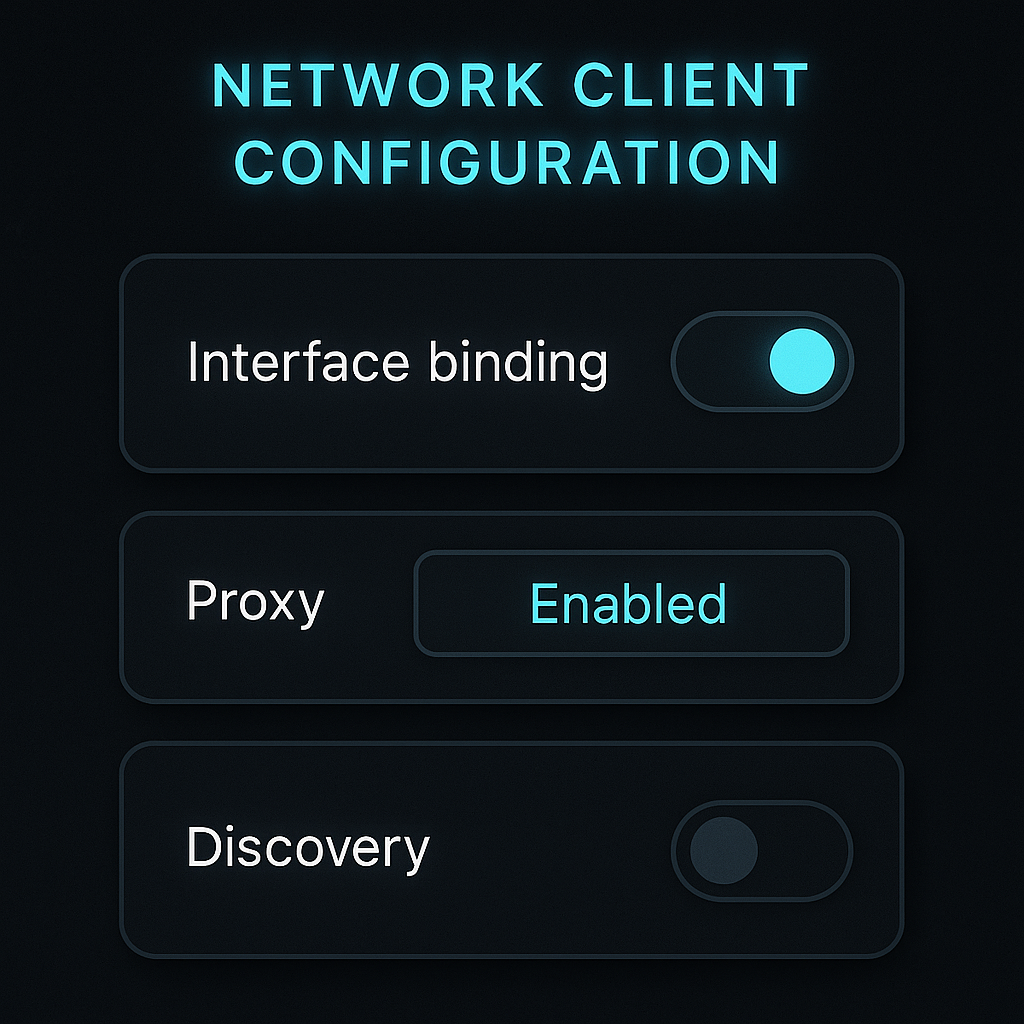
- Bind interface: Tools → Options → Advanced → Network Interface. Select the trusted adapter and optional IP.
- Proxy: Options → Connection → Proxy Server. Set SOCKS5 or HTTPS and enable for peer and tracker connections where supported.
- Transport: Options → Connection. Pick a fixed listening port. Consider disabling UPnP or NAT PMP if the LAN is untrusted.
- Discovery: Options → BitTorrent. Toggle DHT and PEX according to rules. Private communities usually require both off.
- Web UI: Options → Web UI. Require authentication, use TLS via reverse proxy where possible, and restrict source IPs.
Deluge quick setup
- Interface binding: Preferences → Network → Incoming interface. Choose the adapter and confirm with restart.
- Proxy: Preferences → Proxy. Configure for peer, tracker, and DHT where applicable.
- Ports: Preferences → Network. Use a fixed listening port. Avoid UPnP or NAT PMP on untrusted routers.
- Web UI: If using Web UI or the GTK remote daemon, enforce authentication and no open exposure.
Transmission quick setup
- Bind: Preferences → Network. On some platforms binding is at the OS or launch level. Confirm route tables.
- Proxy: Preferences → Network → Proxy. Set SOCKS5 or HTTP proxy according to need.
- Ports: Use a fixed port and consider manual port forwarding if required by peers. Avoid UPnP on shared networks.
- Remote control: Preferences → Remote. Require authentication and restrict IPs. Prefer reverse proxy with TLS.
rTorrent or ruTorrent quick setup
- Bind and ports: Configure in .rtorrent.rc. Specify network interfaces and fixed ports. Restart to apply.
- Proxy: Use rtorrent.rc proxy directives or network namespace routing at the OS level.
- Web UI: Protect ruTorrent behind an authenticated reverse proxy with TLS and allowlists. No open exposure.
Infographic: safe defaults that age well

- Bind to a trusted adapter and fail closed if it is down.
- Use a fixed listening port. Disable UPnP or NAT PMP on untrusted networks.
- Scope DHT and PEX deliberately. Follow community rules.
- Keep the Web UI private, authenticated, and behind TLS.
- Align DNS and IPv6 policy with the chosen path.
Proxy and binding layers
Validation checklist
- Stop all torrents. Restart the client and confirm it waits for the trusted adapter.
- Verify that only the proxy or VPN adapter carries peer and tracker traffic.
- Confirm the resolver path matches the chosen network path.
- Reboot the host and retest for timing or adapter race conditions.
Summary
- Pick one trusted route and bind the client to it.
- Add firewall deny outside path so restarts and adapter changes fail closed.
- Harden the Web UI and keep discovery scope aligned with rules.
- Keep DNS and IPv6 policy consistent with the chosen route and verify after updates.