
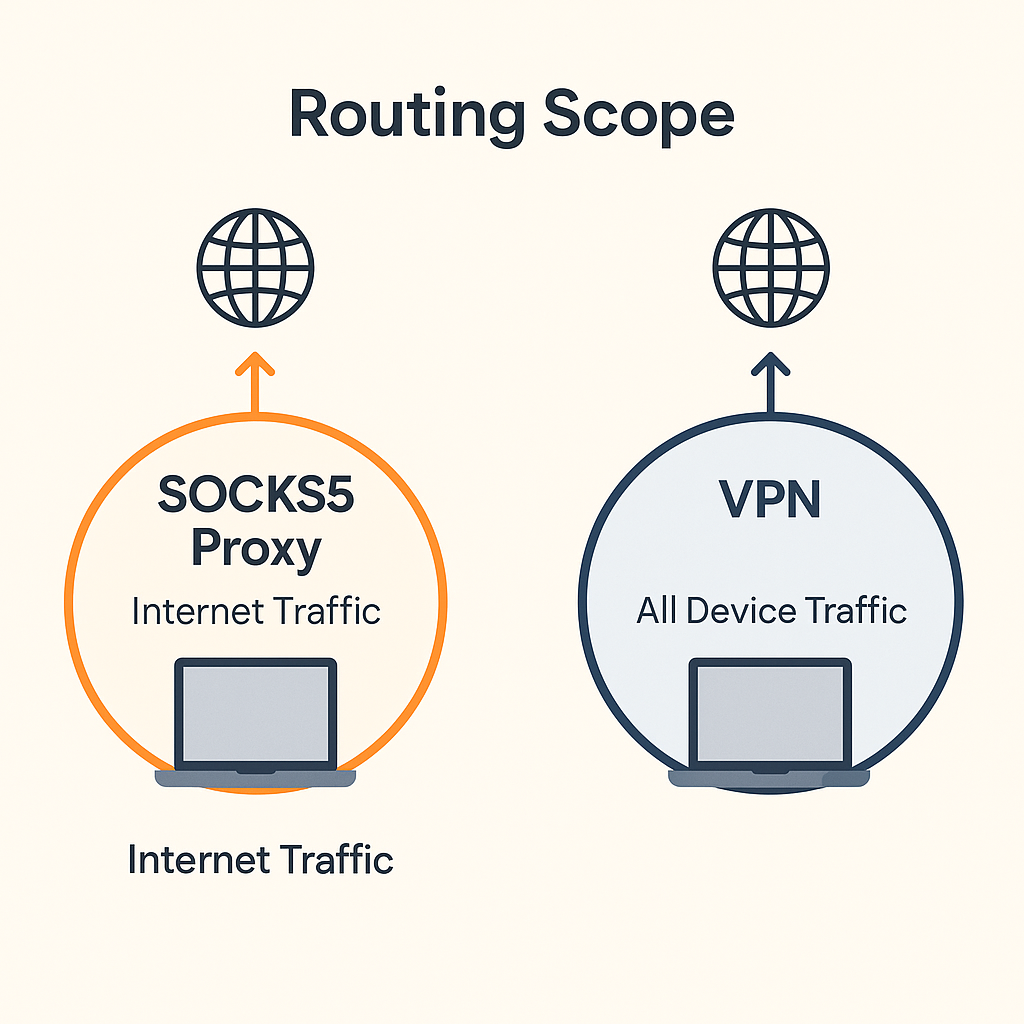
SOCKS5 and VPNs both route traffic through a trusted path, but they do it at different layers. SOCKS5 acts at the socket level per application, while a VPN creates a system or user wide tunnel. This guide explains the tradeoffs and shows how to use SOCKS5 for fast, app scoped privacy with clear guardrails against leaks.
Quick definitions
- SOCKS5 proxy: App connects to a proxy service that opens the destination connection on its behalf. Supports TCP and UDP associate. Does not add encryption by itself. Excellent for precise routing and performance.
- VPN tunnel: System or user session traffic is encapsulated into an encrypted tunnel. Simple to reason about for total coverage. Can add overhead compared to a targeted SOCKS5 route.
Performance and control
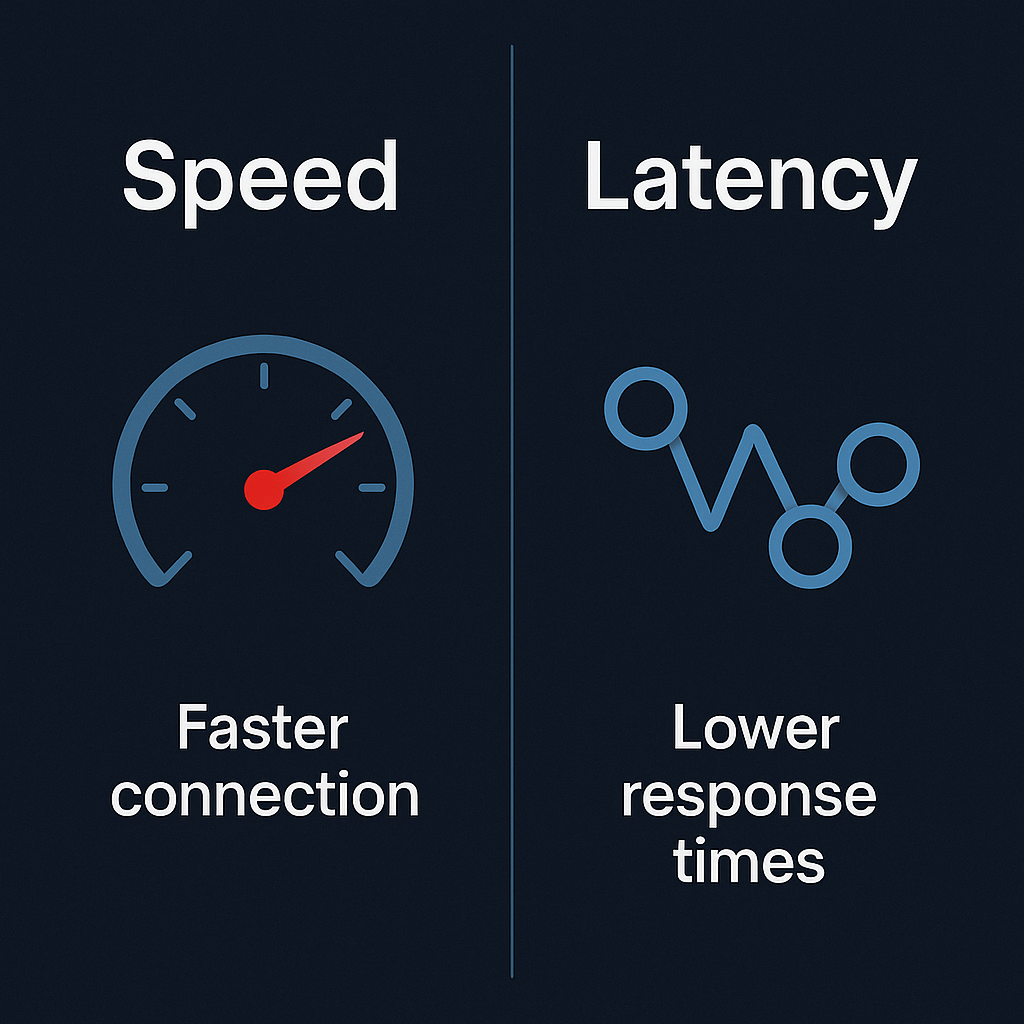
- Latency: SOCKS5 often has less overhead because it does not encrypt payloads by default. Encryption can still exist inside the app via TLS.
- Routing precision: SOCKS5 lets you choose exactly which app uses the path. This simplifies firewall policy and monitoring.
- Coverage: VPNs cover the whole system by default, which is easier for uniform privacy policies.
Privacy model and leak prevention
- DNS alignment: Route name lookups on the same trusted path as app traffic. Pin the resolver or proxy DNS where possible.
- IP binding: Bind the application to the proxy facing interface or adapter so it cannot fall back to a default route.
- Firewall deny outside path: Allow app to reach only the proxy endpoints and the approved resolver; block other egress.
When to choose SOCKS5, when to choose a VPN
| Use case | SOCKS5 fit | VPN fit |
|---|---|---|
| Single app needs routing and speed | Excellent. Per app route with low overhead. | Possible but heavier than needed. |
| Whole device privacy policy | Can work but needs many app rules. | Strong fit. One trusted tunnel for all traffic. |
| Containers or headless services | Great. Point the service at a proxy endpoint. | Works if the runtime is attached to the tunnel. |
| Strict confidentiality for every byte | Pair app TLS or run inside a VPN. | Designed for this need by default. |
How SOCKS5 hides your IP
With SOCKS5 the destination sees the proxy server as the source of the connection. Your device IP stays hidden from the remote service. For end to end confidentiality, use TLS inside the application or run the app inside a VPN while still enjoying the app level control of SOCKS5.
Recommended pattern: SOCKS5 plus guardrails
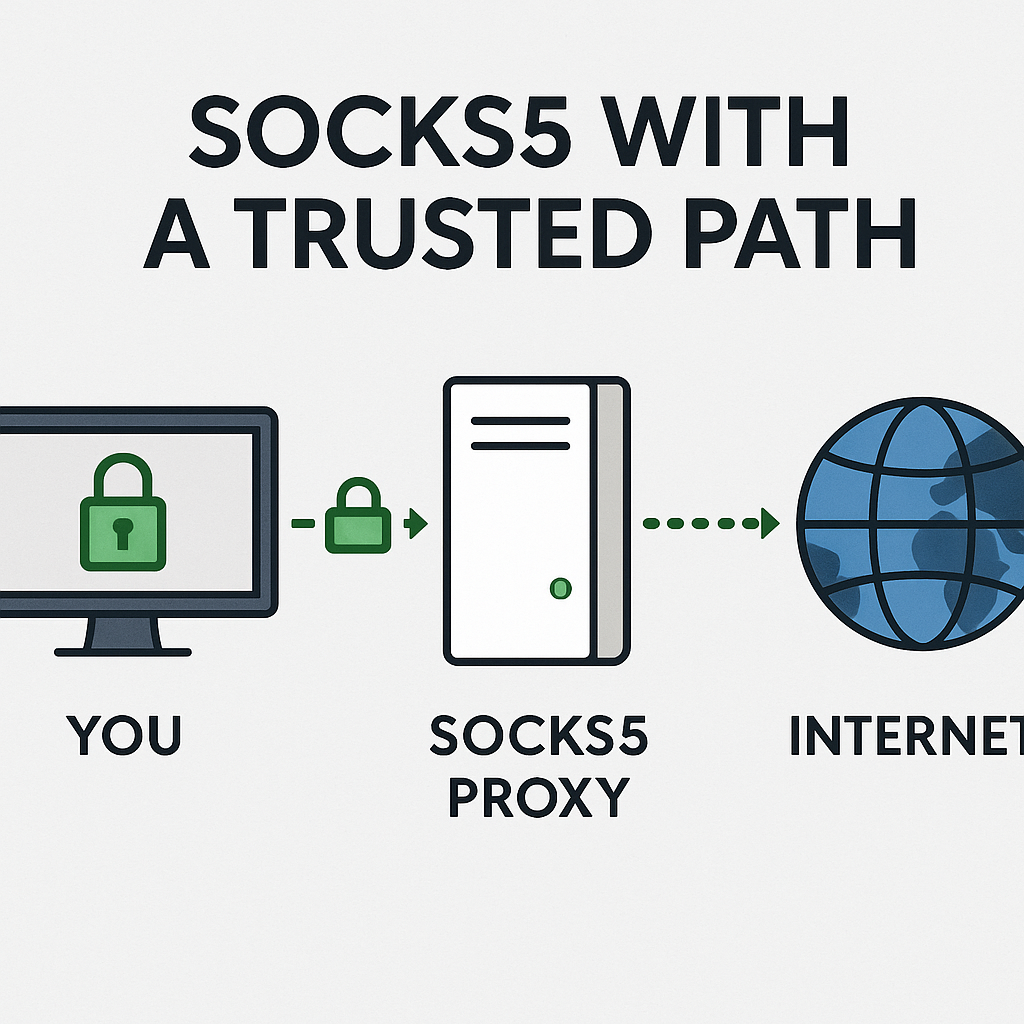
- Bind to the proxy path: Configure the app with SOCKS5 host, port, and auth. Confirm it connects only through that path.
- Align DNS: Use a resolver reachable via the same path. Avoid mixed system resolvers or DoH overrides that do not match policy.
- Firewall policy: Allow only the proxy endpoints and resolver. Deny other egress from the app. Verify on reboot.
Where TorSentinel helps
- SOCKS5 integration: Use a managed proxy endpoint for fast, app scoped routing.
- Real time monitoring: Detect changes that could cause leaks such as resolver flips or adapter swaps.
- Leak checks: Validate that the visible IP and resolver path match the trusted configuration.
Key takeaways
- Pick SOCKS5 for speed and precise per app routing. Pair with app TLS or a system VPN if confidentiality is required.
- Bind the application, align DNS, and add firewall deny outside path to avoid leaks.
- Use monitoring to catch adapter or resolver changes over time.