
SOCKS5 is a lightweight proxy protocol that routes application traffic through an intermediate server without reshaping the whole device. Because it operates at the socket level, SOCKS5 can deliver fast, predictable paths per application while keeping privacy controls simple. This deep dive explains how SOCKS5 works, why it can feel faster than a full tunnel, and the guardrails that turn speed into reliable privacy.
What SOCKS5 does and does not do
- Routes per application: The app connects to a proxy, which opens the destination connection on the app behalf.
- Supports TCP and UDP: CONNECT for TCP and UDP ASSOCIATE for datagrams.
- Does not encrypt by itself: Add TLS in the app or run inside a system VPN when confidentiality is required.
Protocol overview: greeting, auth, and commands
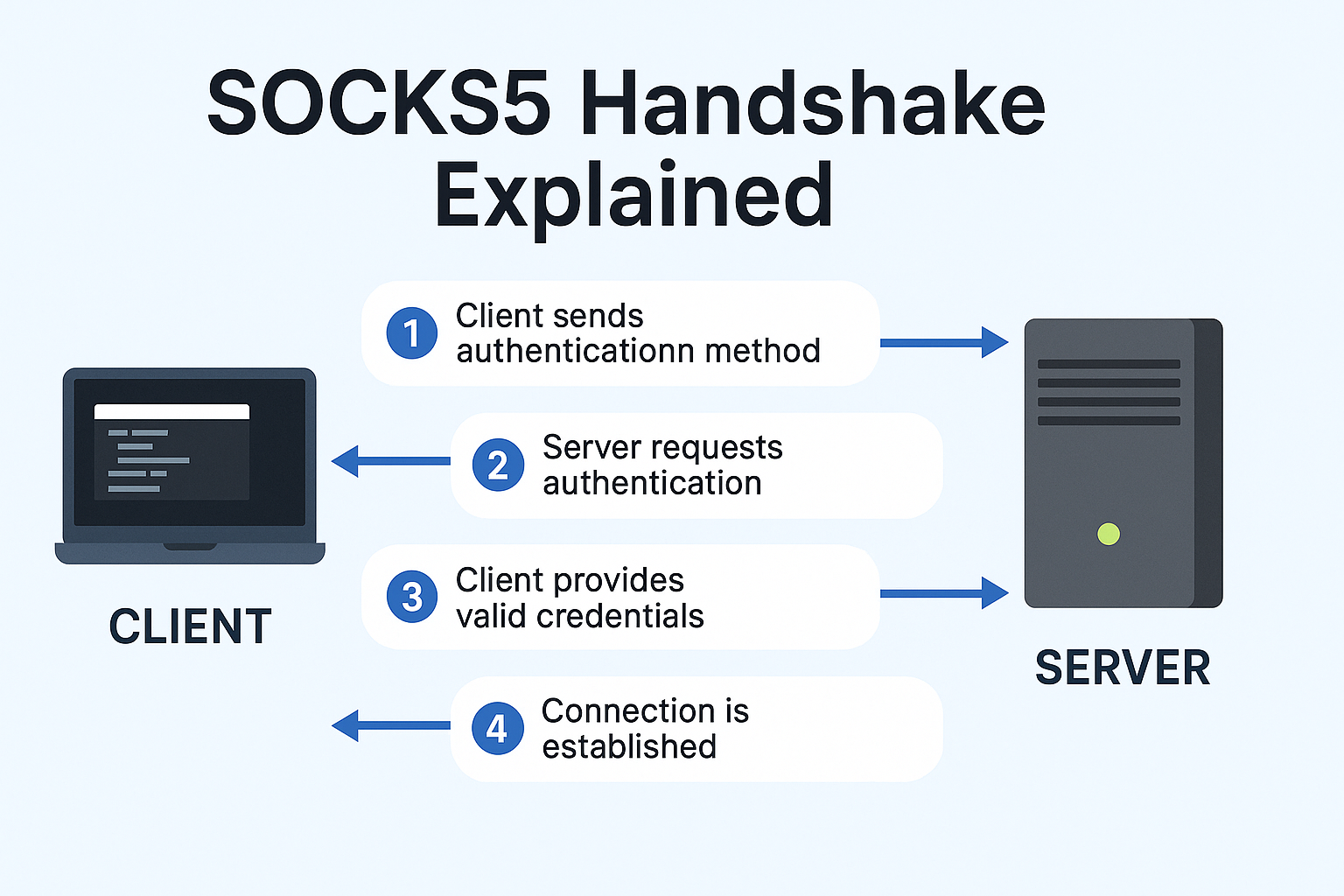
- Greeting: Client lists supported authentication methods. Server chooses one.
- Authentication: Commonly username and password for shared environments.
- Command phase: CONNECT for TCP, UDP ASSOCIATE for datagrams, and BIND for rare inbound workflows.
Why SOCKS5 can feel faster

- No extra tunnel for all traffic: Only the chosen app uses the proxy path, which avoids system wide encapsulation overhead.
- Direct socket relay: The proxy opens the destination connection; fewer layers can reduce latency.
- Pair with app TLS: Keep confidentiality where needed without forcing full device tunneling.
Privacy model: how SOCKS5 hides your IP
With SOCKS5 the destination sees the proxy server as the source of the connection. Your device IP remains private. For strong confidentiality add TLS at the application layer or place the app inside a VPN while keeping SOCKS5 for precise routing and firewall policy.
DNS alignment and leak guardrails
- Pin the resolver: Use a DNS server reachable only through the same path as the app traffic.
- Bind and deny: Bind the app to the proxy facing interface. Add firewall rules that deny egress outside that path.
- Unify IPv4 and IPv6 behavior: Tunnel both or disable the one you do not use to avoid side channels.
UDP associate in practice
When applications need UDP, the client issues UDP ASSOCIATE and the proxy returns an address for datagrams. Application support varies, so test the use case and confirm that DNS and transport both follow the intended route.
Operational patterns that age well
- Per app policy: Point only the apps that need routing at SOCKS5. Keep others on the normal path.
- Safe restart: Delay app start until the proxy path is up. Verify behavior after reboot and resume.
- Monitoring: Watch for resolver flips, adapter changes, and unexpected IPv6 routes.
Recommended pattern: SOCKS5 with TorSentinel style monitoring
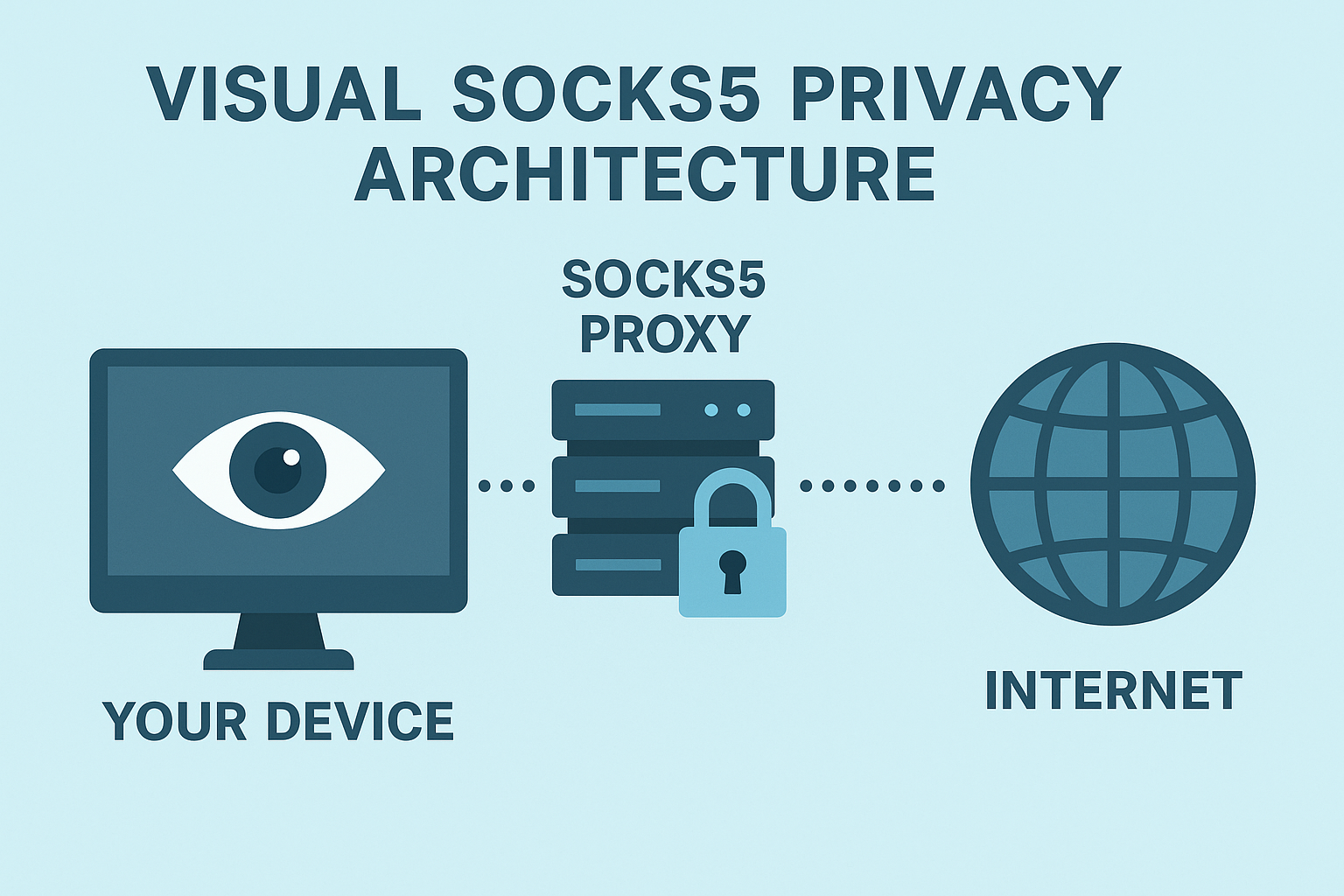
- Configure SOCKS5 host, port, and authentication in the application and confirm only proxy egress occurs.
- Pin the resolver and route name lookups through the same trusted path.
- Allow only proxy and resolver endpoints; deny other egress from the app.
- Enable monitoring for adapter and resolver changes to catch drift early.
Key takeaways
- SOCKS5 delivers speed and control by routing per application at the socket level.
- For confidentiality add TLS in the app or place the app inside a VPN while keeping SOCKS5 routing precision.
- Bind the app, align DNS, set deny outside path, and monitor for changes to prevent leaks.