
DNS Leaks Explained:
How They Happen and How to Stop Them for Good
DNS leaks are among the most common — and most misunderstood — network privacy issues. Even when your traffic routes through a VPN or proxy, a resolver leak can expose every domain you visit to your ISP or local network. This guide explains how they happen, how to find them, and how to prevent them permanently.
? What is a DNS leak?
When you visit a website, your system first queries a DNS resolver to translate the domain name into an IP address. If those queries do not follow the same path as the rest of your protected traffic, the resolver — and anyone observing it — can see what domains you visit, even if the content itself is fully encrypted.
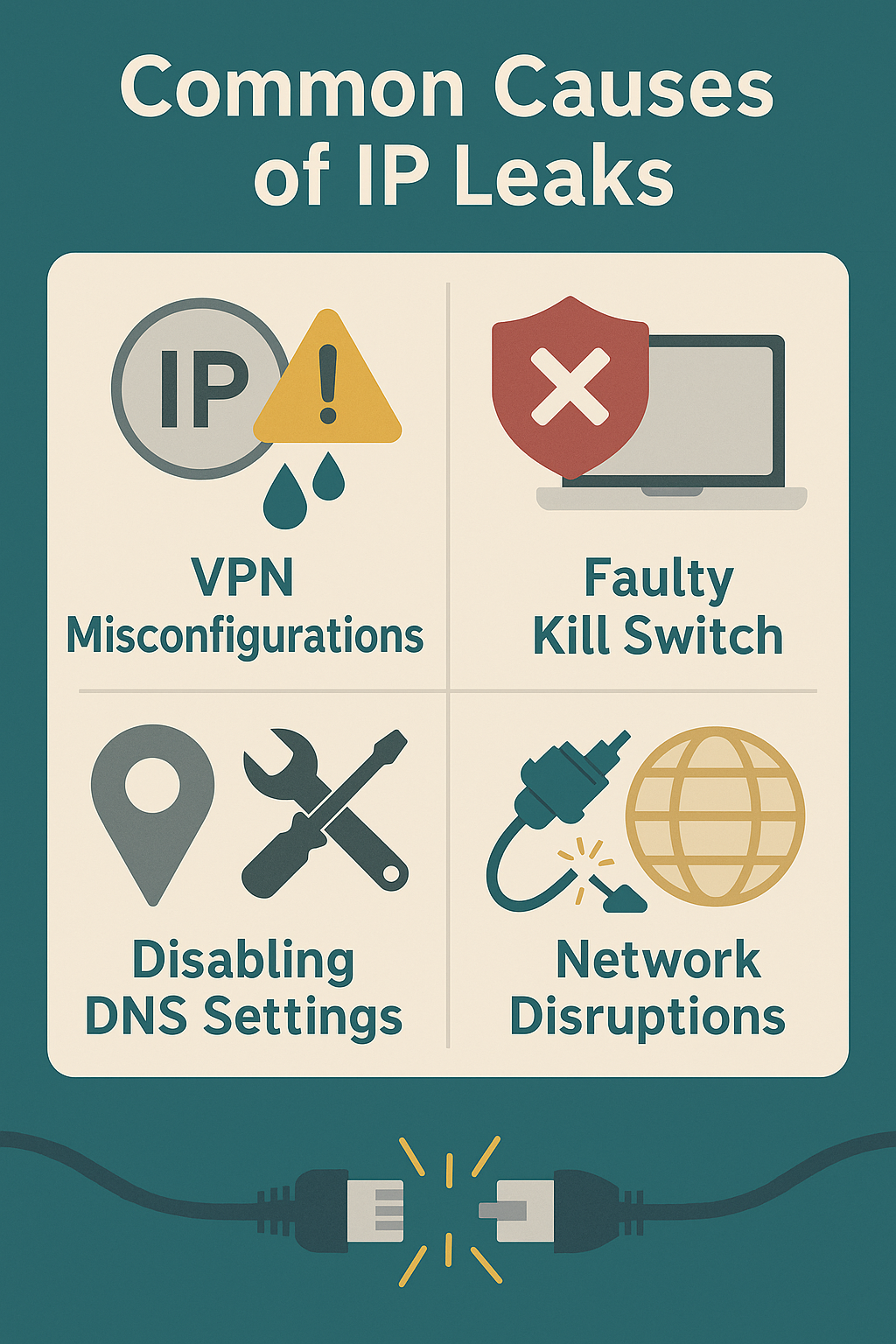
⚠ Why DNS leaks happen
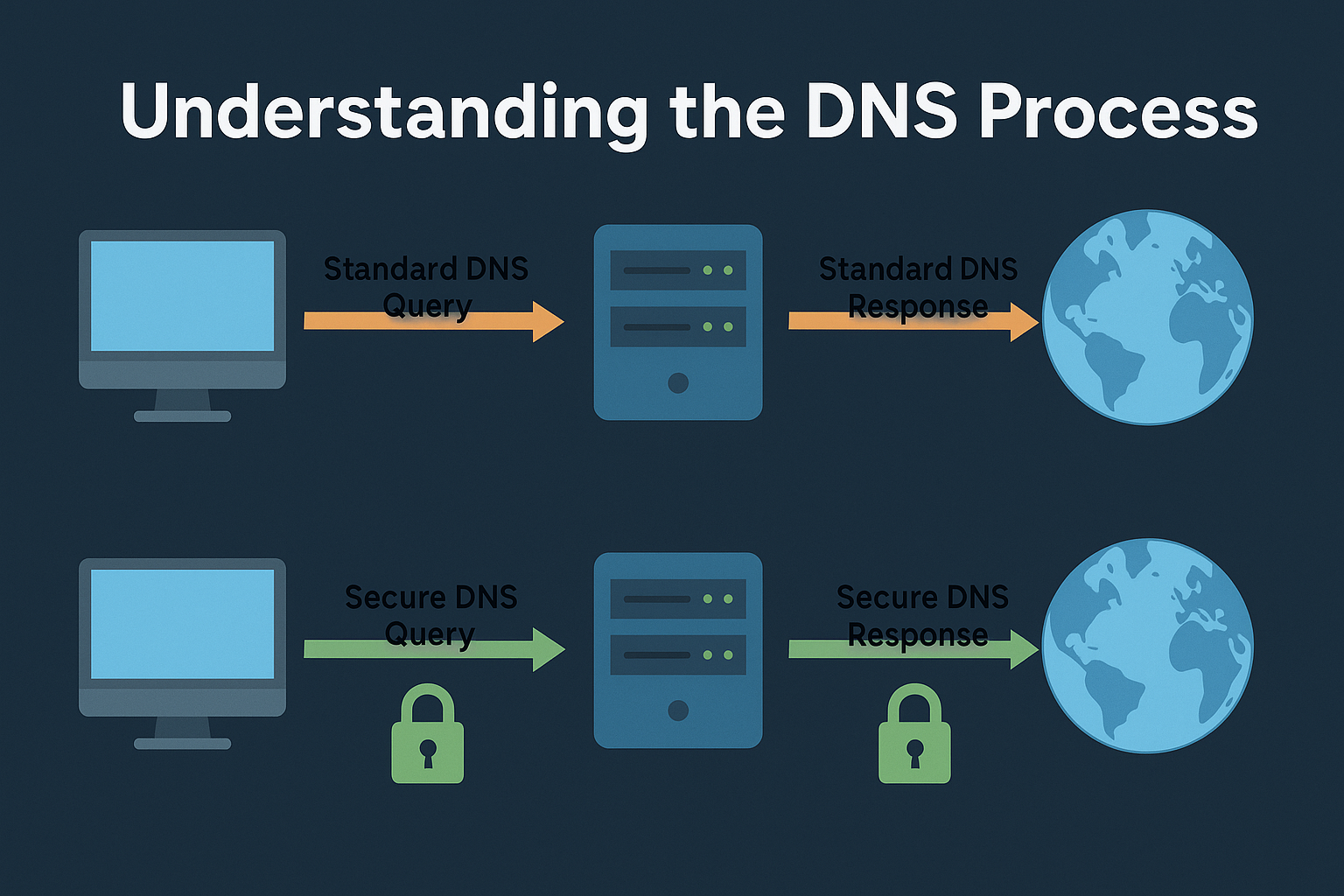
🔍 Common leak sources
🔬 How to test for leaks
🛡 How to prevent DNS leaks
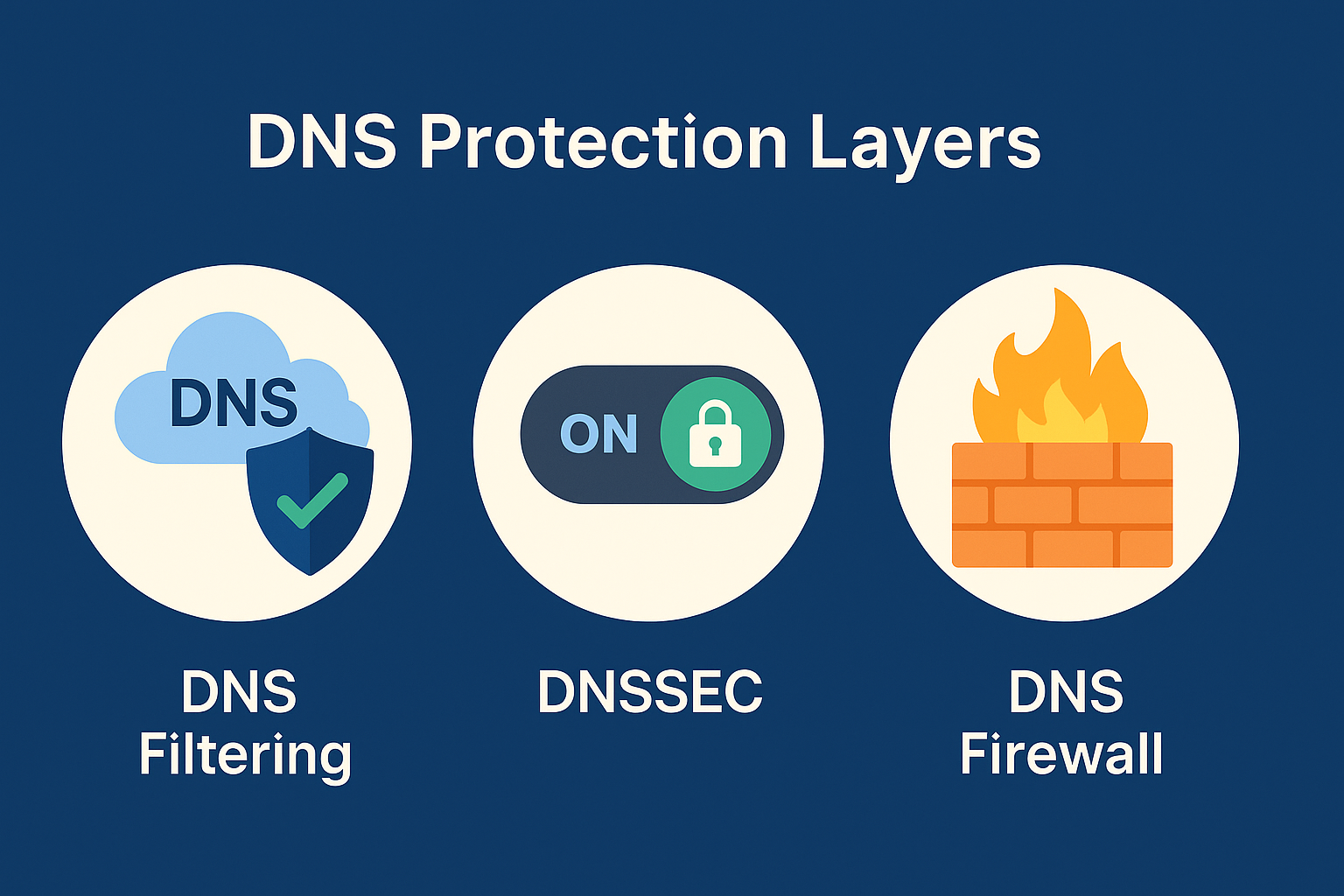
about:config → network.trr.mode = 5. In Chrome: disable Secure DNS in privacy settings. Keep resolver policies centralized.⚙ Advanced mitigation
Free torrent IP check — no signup
Most DNS tests check your browser. TorSentinel checks the IP your torrent client announces — which is where DNS leaks hit hardest.