
Torrent activity keeps evolving, and with it the privacy risks. This guide explains what’s changing in 2025—across clients, protocols, trackers, blocks, and common leak paths—so you can make informed, safer choices without hype.
What “torrenting in 2025” actually means
“Torrenting” today is not just about a client and a .torrent file. It’s an ecosystem. You have public and private trackers, distributed discovery via DHT and PEX, various transport options (TCP and µTP), evolving client defaults, and a patchwork of ISP and CDN-level interventions. Meanwhile, users run torrents on desktops, seedboxes, NAS devices, and headless servers—each with different risk profiles.
Key moving parts at a glance
- Clients: qBittorrent, Transmission, Deluge, rTorrent, and others.
- Discovery: trackers + DHT + PEX; magnet links remain dominant.
- Transports: TCP and µTP; both can coexist depending on settings.
- Network policy: VPNs, SOCKS proxies, split tunneling, firewall rules.
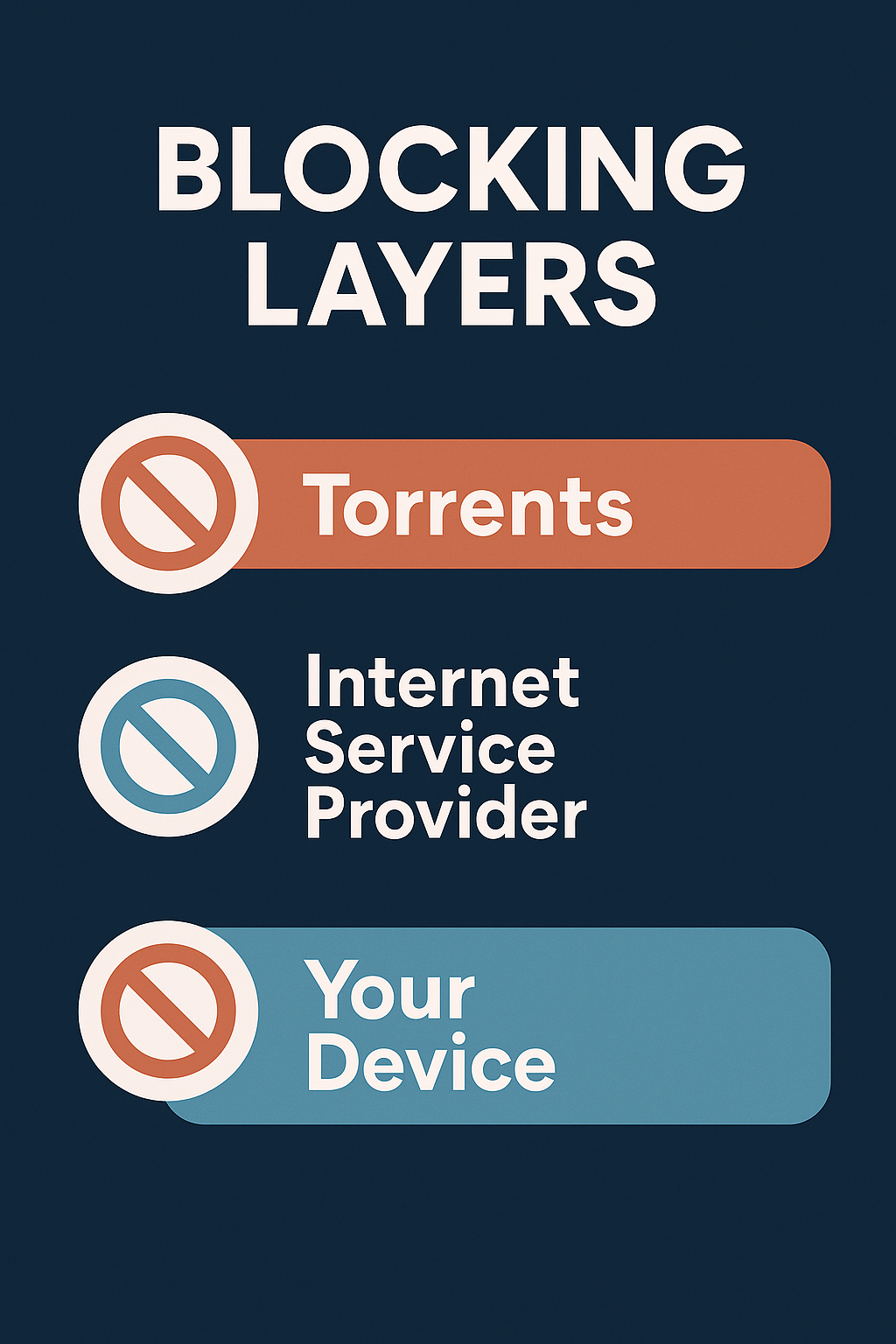
- Blocking: DNS/IP blocks, edge filtering, or temporary disruptions.
Trends driving user behavior
The biggest shifts are less about shiny new tech and more about how people assemble their setups. Three practical trends stand out:
- Automation and headless use: More users automate downloads and run clients on servers or NAS, which changes how they secure web UIs and authentication.
- “Privacy by default” expectations: Users increasingly want sensible defaults—from interface binding to leak-aware restart behavior.
- Mixed access patterns: Torrent use coexists with streaming and cloud storage. People jump between workflows, which creates timing windows where leaks can occur.
Protocol behavior and your exposure surface
BitTorrent is efficient because it’s open: peers discover each other rapidly and connect directly. That openness is also why your endpoint can be seen by many peers if your configuration allows it. Here’s how the main pieces relate to risk:

DHT (Distributed Hash Table)
DHT decentralizes peer discovery. It’s resilient and fast, but by design it shares endpoint information. If your risk tolerance is low, scope DHT behavior, especially when you’re not on a trusted network interface.
PEX (Peer Exchange)
PEX grows swarms quickly—useful for speed, but it can also distribute your endpoint widely. In strict setups, users throttle or scope PEX, or prefer controlled tracker-only discovery.
µTP vs TCP
µTP can be bandwidth-friendly under congestion. TCP offers predictability for certain firewall and inspection rules. There’s no universal “best”—your environment dictates which trade-offs make sense.
How client defaults and settings affect privacy
Modern clients are far safer than they were years ago, but defaults can’t account for every network topology. A few areas to inspect:
- Interface binding: Bind to the specific interface you trust (e.g., a VPN adapter). Avoid “Any” when your system has multiple routes.
- Web UI security: Change default ports, enforce authentication, consider IP allowlists, and disable UI exposure on untrusted networks.
- UPnP/NAT-PMP: Helpful for convenience; risky if you don’t control the LAN. Use explicit port-forwarding rules where possible.
- Encryption preferences: Optional in many clients; align with your threat model and your peers’ compatibility.
- Pre-start checks: Some setups delay client autostart until the network is “safe” (tunnel up, proxy reachable, firewall policy loaded).
Blocking and disruptions: what users actually experience
Blocks vary by region and provider. Users report DNS tampering, IP null-routes, and sometimes application-layer filtering at the edge. From a practical point of view, remember:
- DNS symptoms: Names resolve to unexpected addresses or not at all; secure DNS or a resolver you trust can reduce surprises.
- IP-based issues: Connections stall or time out to specific hosts or ports; route changes may help.
- Temporary windows: During takedowns or policy shifts, mirrors and phishing lookalikes often surge—double-check URLs before you click.
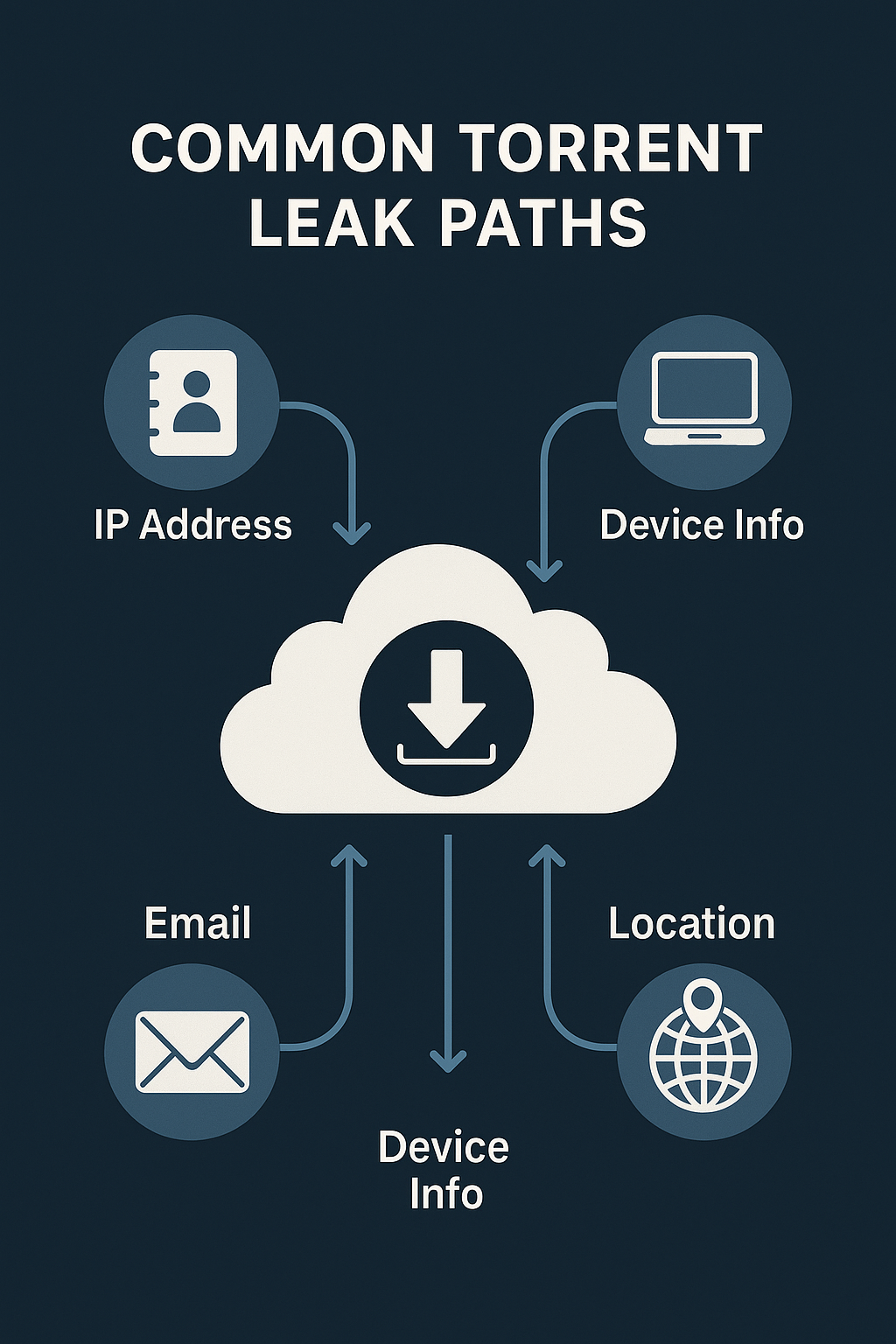
Common leak paths—and how they happen
Actual leak incidents often fall into repeatable patterns:
1) Client restarts while the tunnel isn’t ready
OS boot → VPN/Proxy not fully initialised → client autostarts → brief connections via default route. Fix by delaying autostart or enforcing firewall rules that deny egress unless the trusted interface is up.
2) Web UI exposure
A web UI that’s forwarded to the internet without auth or IP restrictions is risky. Use strong credentials, unique ports, and if possible, a reverse proxy with rate limits and allowlists.
3) Browser overlap (WebRTC, extensions, profiles)
A browser session with WebRTC enabled can reveal routes separate from your torrent client. Keep separate browser profiles and disable or restrict WebRTC if your model requires it.
4) DNS inconsistency
OS or router DNS may not match your intended resolver policies, especially after sleep/resume or adapter changes. Confirm resolver behavior after network transitions.
Choosing between public trackers, private trackers, and DHT-only
There’s no single “right” answer—each path trades convenience, speed, and visibility differently:
| Approach | Pros | Cons | Who it fits |
|---|---|---|---|
| Public + DHT/PEX | Fast peer discovery, broad availability | Wider exposure; more fakes | General users prioritizing speed and availability |
| Private tracker + limited DHT/PEX | Curated releases; accountability | Rules/ratios; account data exists | Users wanting quality and community |
| Trackers only (no DHT/PEX) | More controlled discovery | Slower peer growth; requires good trackers | Strict threat models |
Operational hygiene: simple habits that reduce risk
- Bind the torrent client to the trusted interface (VPN/proxy).
- Enforce firewall rules denying egress outside that interface.
- Delay client autostart until the tunnel is established.
- Harden web UI access (auth, IP allowlist, rate limits, no open exposure).
- Use separate browser profiles and control WebRTC.
- Double-check DNS after reboots or adapter changes.
FAQ
Does encryption alone make me anonymous?
No. Encryption can protect traffic contents and deter trivial inspection, but peers may still see your endpoint if discovery and connection policies allow it.
Is DHT unsafe by default?
DHT is a tool. It widens peer discovery, which can be good for availability and bad for strict privacy models. Align DHT/PEX behavior with your tolerance and environment.
Are private trackers “safe”?
They can reduce fake releases and improve quality control, but accounts and activity policies exist. You still need client hardening and network rules.
What about seedboxes or headless servers?
They’re convenient and powerful. Treat their web UI, SSH access, and network policy as production-grade. Use strong auth, keys, and explicit firewall rules.
Key takeaways
- Your exposure surface depends on discovery, transport, and network policy working together.
- Most leaks come from timing gaps (restarts), UI exposure, or inconsistent DNS/interface binding.
- Simple, consistent habits reduce risk more than any single “magic” setting.