
TorSentinel Team •
Security Guide
qBittorrent
Deluge
Transmission
rTorrent
Privacy
Torrent Client Security Settings:
The Complete Privacy Hardening Guide
This guide walks through the security and privacy settings that most torrent clients provide today. The goal is simple, repeatable protection that survives restarts, updates, and day-to-day use — focused on operational hygiene rather than brand-specific tricks.
TorSentinel Team
·
Updated 2025
·
8 min read
·
Beginner — Intermediate
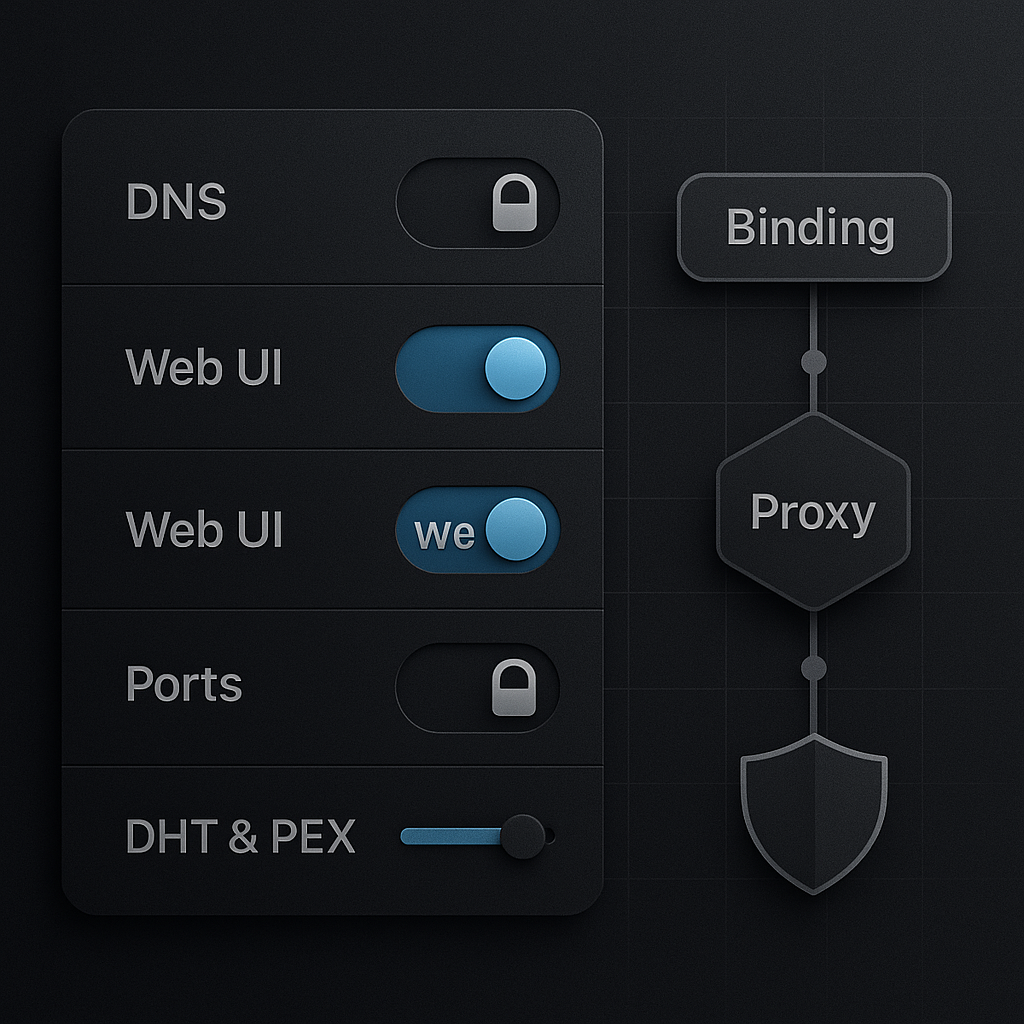
Core model: one trusted path
Pick a trusted network path and tie the client to it. Add firewall rules that deny egress outside that path.
If the trusted adapter is down, traffic should fail closed rather than fall back to a default route. This single principle makes every other setting more predictable — bind, deny outside, verify.
⚙ Settings that matter in every client
🔗 Interface binding
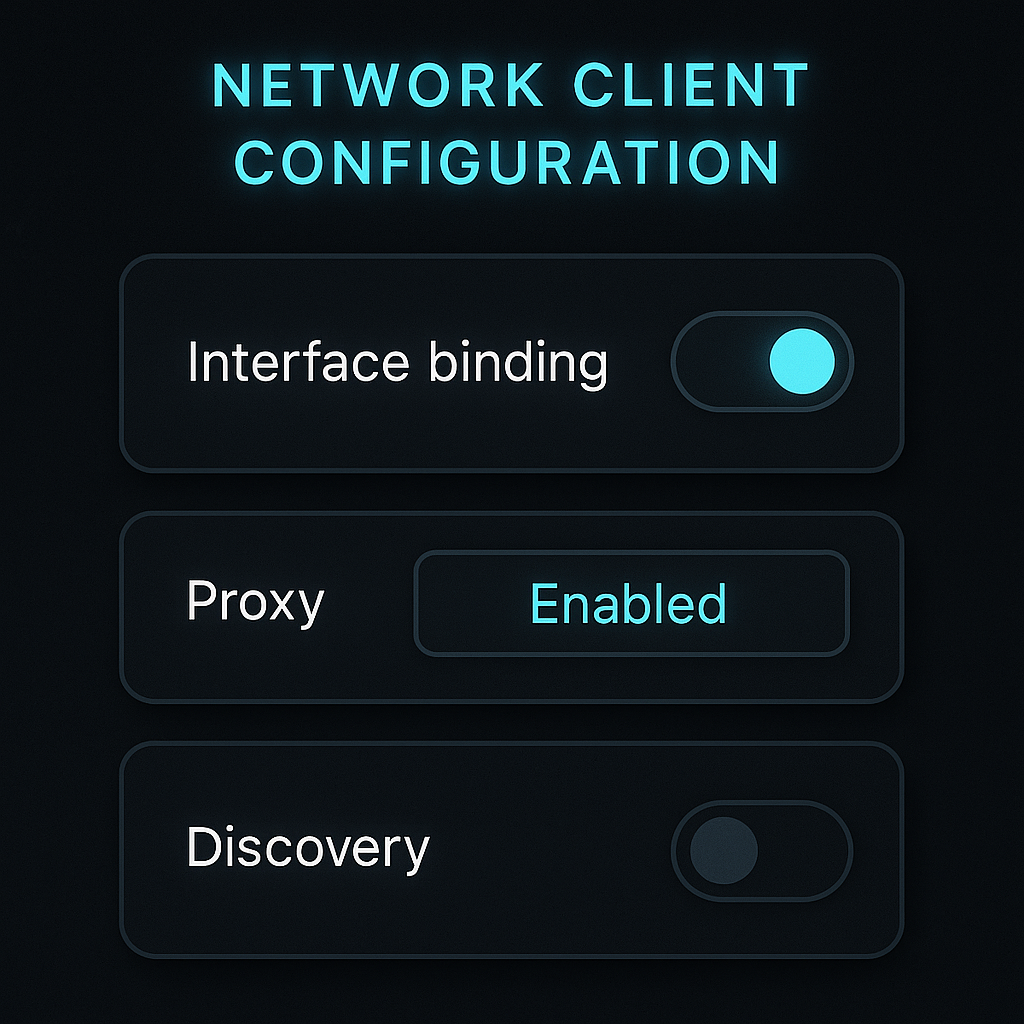
Bind to a specific adapter (VPN or proxy-facing). Never leave it on Any interface — that's the same as no protection.
🛡 Proxy support
Use SOCKS5 or HTTPS proxy for per-app routing. Decide how encryption is handled — at the app layer via TLS or at the system layer via VPN.
🔌 Transport and ports
Choose a fixed listening port. Evaluate TCP vs µTP. Disable UPnP and NAT-PMP on untrusted networks — they expose your internal topology.
📡 Peer discovery scope
Tune DHT and PEX according to your community rules. Private trackers almost always require both disabled.
🖥 Web UI hygiene
Strong authentication, no open exposure, non-default port, and IP allowlists at the reverse proxy. Serve over TLS only.
🔍 DNS and IPv6
Keep the resolver path aligned with the client path. Decide on IPv6 explicitly — tunnel it or disable it, never leave it mixed.
🔁 Safe restart
Delay autostart until the trusted adapter is confirmed up. Verify again after client updates — updates sometimes reset settings to defaults.
📋 Client quick-setup guides
qBittorrent
Most popular
→
Interface bind: Tools → Options → Advanced → Network Interface — select the trusted adapter
→
Proxy: Options → Connection → Proxy Server — set SOCKS5 and enable for peer and tracker connections. See our full qBittorrent SOCKS5 guide
→
Transport: Options → Connection — fixed listening port, disable UPnP and NAT-PMP on untrusted networks
→
Discovery: Options → BitTorrent — disable DHT and PEX for private trackers
→
Web UI: Options → Web UI — require auth, restrict source IPs, serve via reverse proxy with TLS
Deluge
→
Interface bind: Preferences → Network → Incoming interface — choose the adapter and confirm with restart
→
Proxy: Preferences → Proxy — configure for peer, tracker, and DHT where applicable
→
Ports: Preferences → Network — fixed listening port, avoid UPnP/NAT-PMP on untrusted routers
→
Web UI / daemon: enforce authentication and avoid open exposure on the GTK remote daemon
Transmission
→
Bind: Preferences → Network — on some platforms binding is at OS or launch level; confirm route tables after setting
→
Proxy: Preferences → Network → Proxy — set SOCKS5 or HTTP proxy
→
Ports: fixed port with manual forwarding if needed by peers — avoid UPnP on shared networks
→
Remote control: Preferences → Remote — require auth, restrict IPs, prefer reverse proxy with TLS
rTorrent / ruTorrent
Headless / server
→
Bind and ports: configure in
.rtorrent.rc — specify network interface and fixed ports, restart to apply
→
Proxy: use rtorrent.rc proxy directives or network namespace routing at the OS level for full control
→
ruTorrent Web UI: always behind an authenticated reverse proxy with TLS and IP allowlists — never exposed directly
🔒 Safe defaults that age well
✓
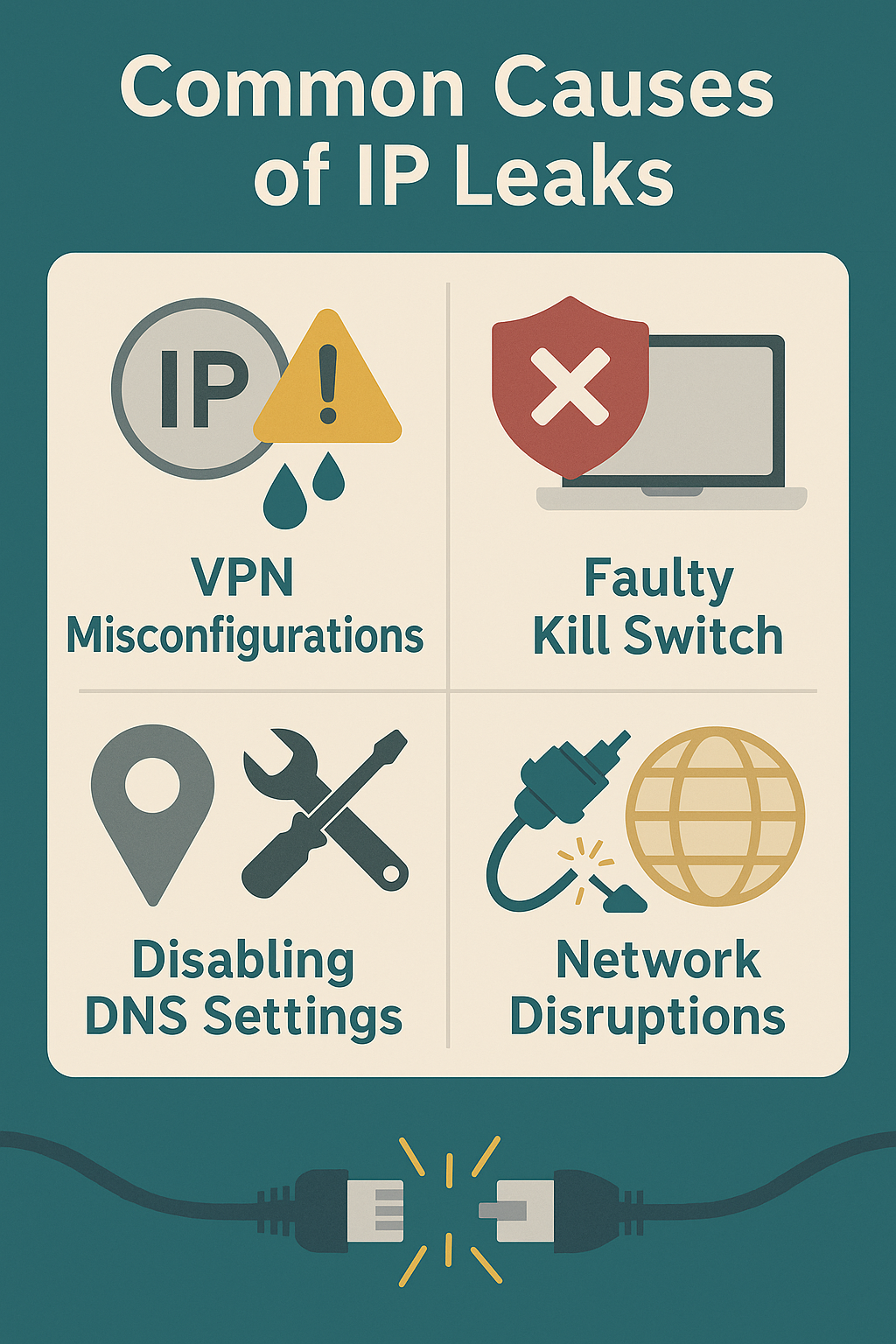
Bind to a trusted adapter and fail closed if it is down — no fallback to default route
✓
Use a fixed listening port — disable UPnP and NAT-PMP on untrusted networks
✓
Scope DHT and PEX deliberately — follow the rules of each community or tracker
✓
Keep the Web UI private, authenticated, and behind TLS — restrict source IPs
✓
Align DNS and IPv6 policy with the chosen path — never leave them mixed
🔗 Proxy and binding layers
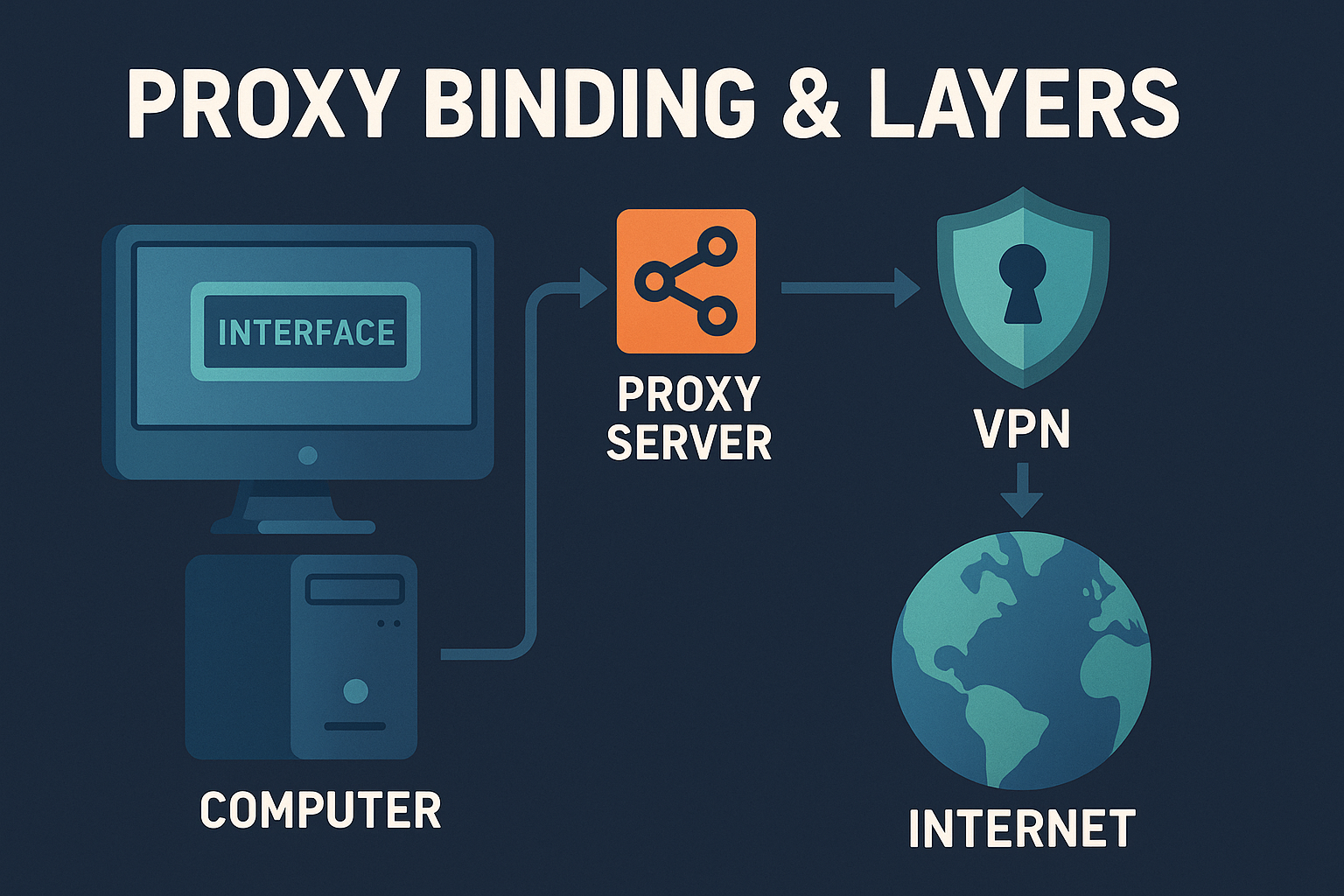
🎯
SOCKS5 proxy
Routes torrent traffic through a trusted endpoint. The swarm sees the proxy IP — not yours.
🔌
Interface binding
Locks the client to a specific adapter. No fallback if the proxy drops.
🧱
Firewall deny
Enforces the policy at the OS level — survives restarts and adapter changes.
🔬 Validation checklist
1
Stop all torrents. Restart the client and confirm it waits for the trusted adapter before connecting
2
Verify that only the proxy or VPN adapter carries peer and tracker traffic
3
Confirm the resolver path matches the chosen network path
4
Reboot the host and retest — adapter race conditions appear most often at startup
Summary
✓
Pick one trusted route and bind the client to it — every other setting builds on this.
✓
Add firewall deny-outside-path so restarts and adapter changes fail closed, not open.
✓
Harden the Web UI and keep discovery scope aligned with your tracker's rules.
✓
Keep DNS and IPv6 policy consistent with the chosen route — verify after every client update.
Confirm your settings are actually working
Free torrent IP check — no signup
After configuring your client, verify the swarm sees your proxy IP — not your real one. Takes 30 seconds.