
TorSentinel Team •
Performance Guide
SOCKS5
Speed
Privacy
Optimization
Mastering SOCKS5 Performance:
Lightning-Fast Private Connections
SOCKS5 can deliver excellent throughput and clean privacy when routing is simple and guardrails are in place. This guide explains how to tune SOCKS5 for speed while preventing leaks with DNS alignment, adapter binding, and firewall policy — the result is fast, predictable, and easy to verify.
TorSentinel Team
·
Updated 2025
·
7 min read
·
Intermediate

Performance model in one line
Route only what you need through SOCKS5 — keep DNS on the same path, bind the app to the adapter, and deny traffic outside that path.
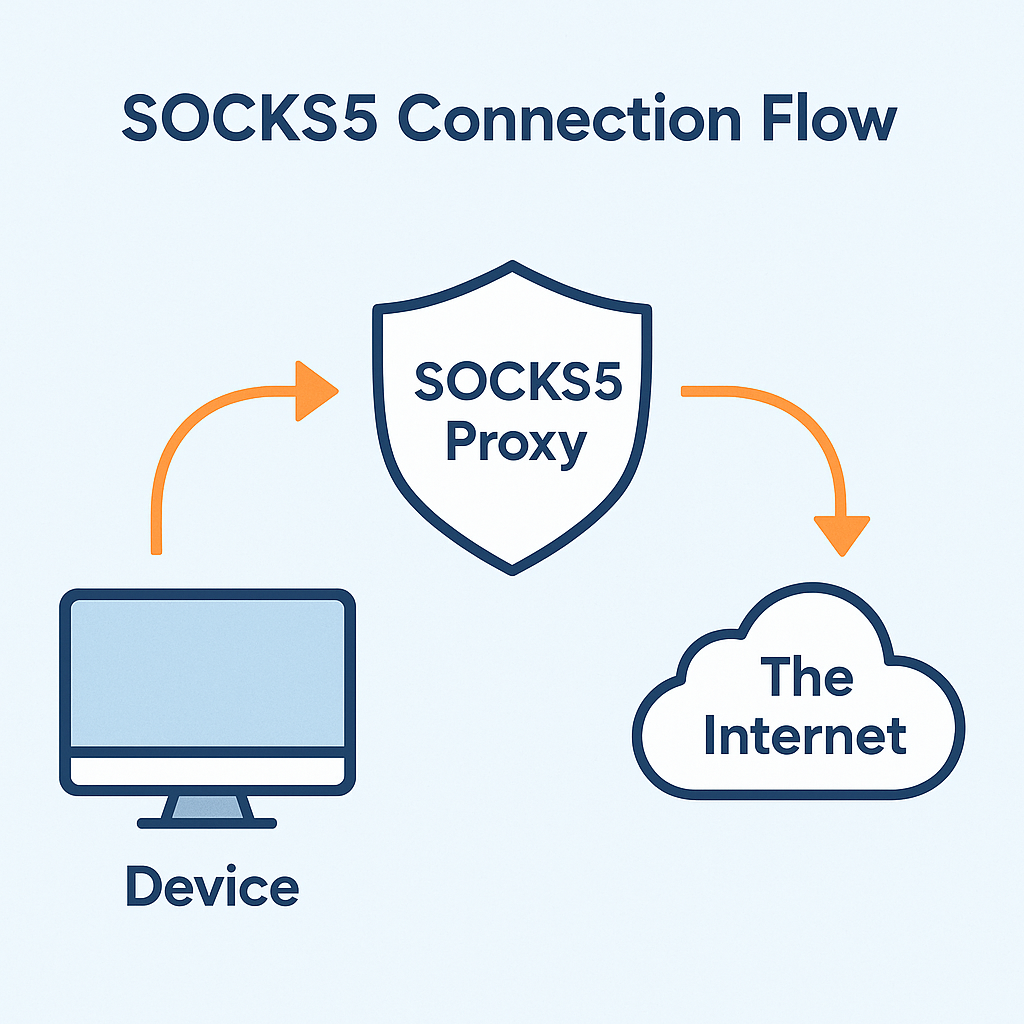
⚡ Connection flow
🚀 Key optimizers for speed
Direct socket relay
SOCKS5 opens the destination connection on behalf of the app — minimal extra layers, minimal overhead.
Per-app scope
Only the selected application uses the proxy path — reducing load, contention, and unnecessary routing overhead.
Stable ports and endpoints
Use a consistent proxy host and port to avoid slow failovers and reconnect delays during active sessions.
Local CPU and I/O
Verify the device isn't CPU or disk bound during large transfers — local bottlenecks mask network gains.
🛡 Privacy guardrails that also improve stability
→
Adapter binding
Bind the application to the proxy-facing adapter or IP so it cannot fall back to your real connection if the proxy drops.
→
Firewall deny outside path
Allow only the proxy endpoints and a pinned resolver. Deny all other egress — this creates a fail-closed design.
→
DNS alignment
Route lookups through the same path as the app. Avoid mixed resolvers or browser DoH overrides that bypass the proxy.
→
Explicit IPv6 stance
Tunnel IPv6 through the same route or disable it consistently. Mixed IPv4/IPv6 states create silent side channels.
📊 Optimization factors

| Factor | Impact | Action |
|---|---|---|
| Proxy region and hops | Higher RTT lowers sustained throughput | Pick nearest stable region with good peering |
| Resolver latency | Slow DNS delays every session setup | Pin a low-latency resolver on the same path |
| Adapter stability | Flapping links cause retries and stalls | Bind the app and enforce deny outside path |
| Local CPU and I/O | Local bottlenecks mask network gains | Monitor system load; avoid disk saturation |
⚙ Quick configuration checklist
1
Configure SOCKS5 host, port, and authentication in the application
2
Bind the application to the proxy-facing adapter or IP
3
Pin the resolver reachable only through the same proxy path
4
Allow only proxy + resolver in firewall — deny all other egress from the app
5
Set a fixed listening port and disable automatic port mapping on untrusted networks
🛰 Monitoring and verification

1
Before and after IP
Record the public IP before connection, then after connecting. It should switch to the trusted proxy range and remain stable. Use the free torrent IP check to verify swarm-facing IP specifically.
2
Resolver identity
Confirm that DNS lookups use the pinned resolver and do not flip to your ISP's resolver during the session.
3
Route tables
Verify that the application path prefers the proxy-facing adapter in your OS routing table.
4
Restart test
Reboot or resume from sleep and confirm all checks still pass — reboot is the most common moment leaks appear.
Summary
✓
Send only the traffic you need through SOCKS5 and keep DNS aligned with that same path.
✓
Bind the app and add firewall deny-outside-path rules so restarts and adapter changes fail closed.
✓
Choose proxy regions with strong peering and low RTT for best sustained throughput.
✓
Monitor resolver, adapter, and IP after every update or network change — then retest after reboot.
Verify your proxy is actually working
Free torrent IP check — no signup
Confirm the swarm sees your proxy IP — not your real one. Takes 30 seconds and requires no account.