
Armor now includes SOCKS5 protection. Explore Armor →
TorSentinel TorSentinel
TorSentinel Blog

Layered Privacy: Building a Leak-Proof Setup with SOCKS5 and Smart DNS Routing

TorSentinel Team
Blog / Layered Privacy Setup
Guide SOCKS5 DNS Firewall Privacy

Layered Privacy: Building a Leak-Proof Setup
with SOCKS5 and Smart DNS Routing

True privacy online depends on layers that work together rather than one single tool. SOCKS5 is the foundation that routes application traffic with precision, while smart DNS alignment and firewall guardrails complete the structure. This guide explains how to combine them into a reliable, leak-proof setup.
TorSentinel Team · Updated 2025 · 6 min read · Intermediate
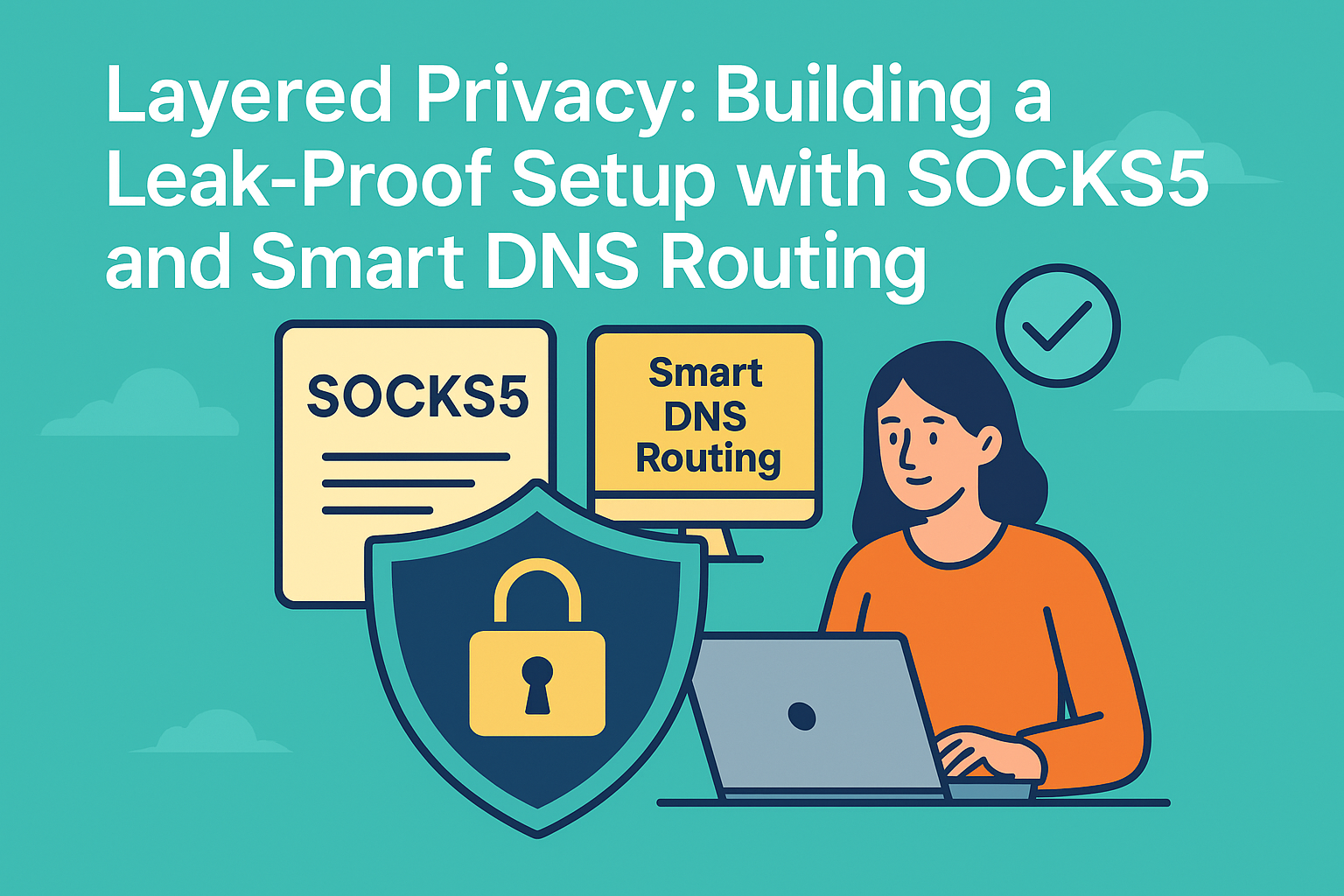
Illustration of layered privacy using SOCKS5, DNS alignment, and firewall guardrails

The privacy stack explained

Think of your privacy setup as a multi-tier architecture. Each layer covers the gaps of the one below it. SOCKS5 handles routing and identity control, DNS manages naming privacy, and firewall rules block fallback leaks. Together, they ensure stable and predictable traffic — even after reboots or network changes.

1

SOCKS5 — The core layer

Routing
Operates at the socket level — controls exactly which app connects through it
Prevents the app from revealing your real IP to peers, trackers, or remote servers
Maintains high speed by skipping heavy encryption layers when unnecessary
2

Smart DNS routing — The name resolver layer

DNS

DNS is often the first point of failure in privacy setups. By routing DNS requests through the same SOCKS5 path — or a trusted resolver accessible only on that path — you ensure that no name lookups bypass your privacy route. A hidden IP means nothing if your queries still go to your ISP's resolver.
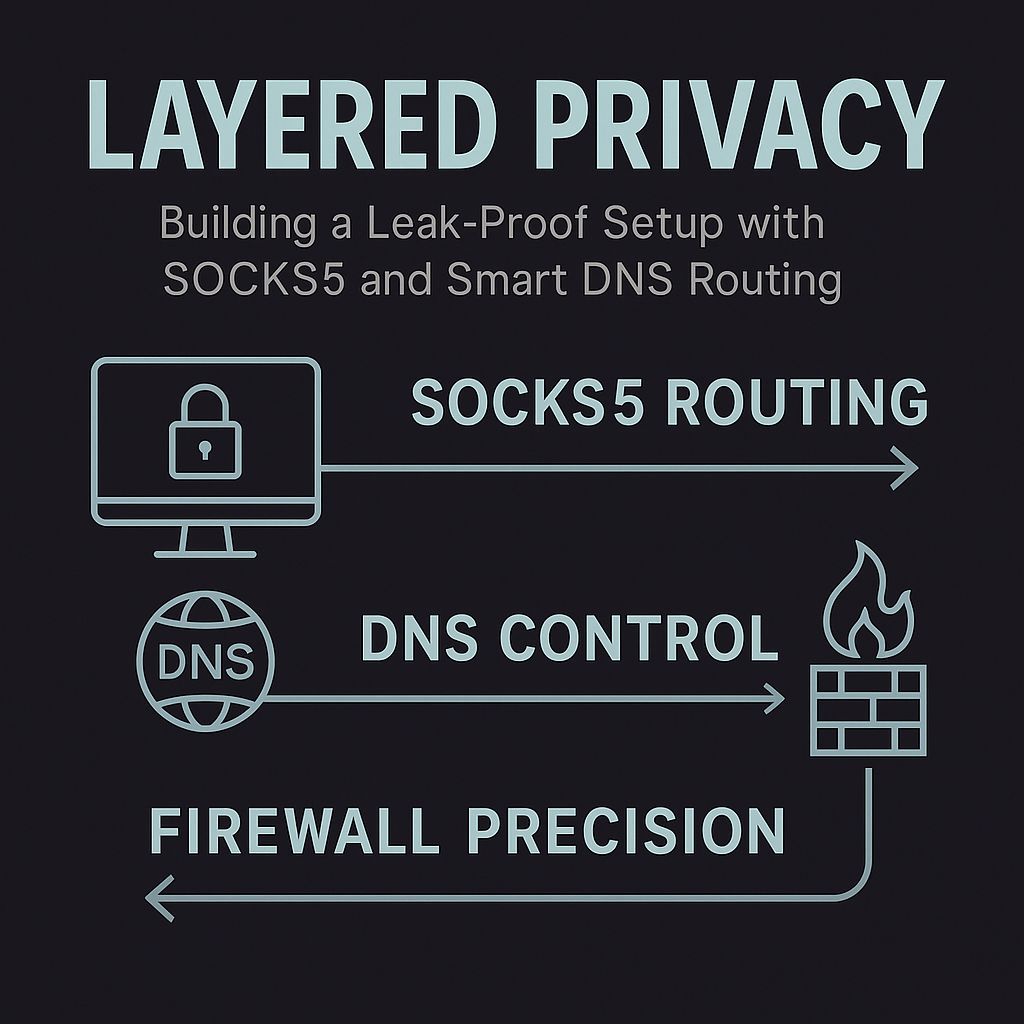
Diagram showing DNS resolver routing through SOCKS5 and trusted firewall path
DNS lookups must follow the same route as application data to prevent leaks.
3

Firewall guardrails — The enforcement layer

Firewall

Firewalls provide the structure that makes leaks impossible. By denying outbound traffic not bound to the SOCKS5 adapter or proxy IP, they create a fail-closed design. If the proxy disconnects, the app cannot fall back to your real IP — the alternate route is blocked entirely.

🔗 Putting it all together
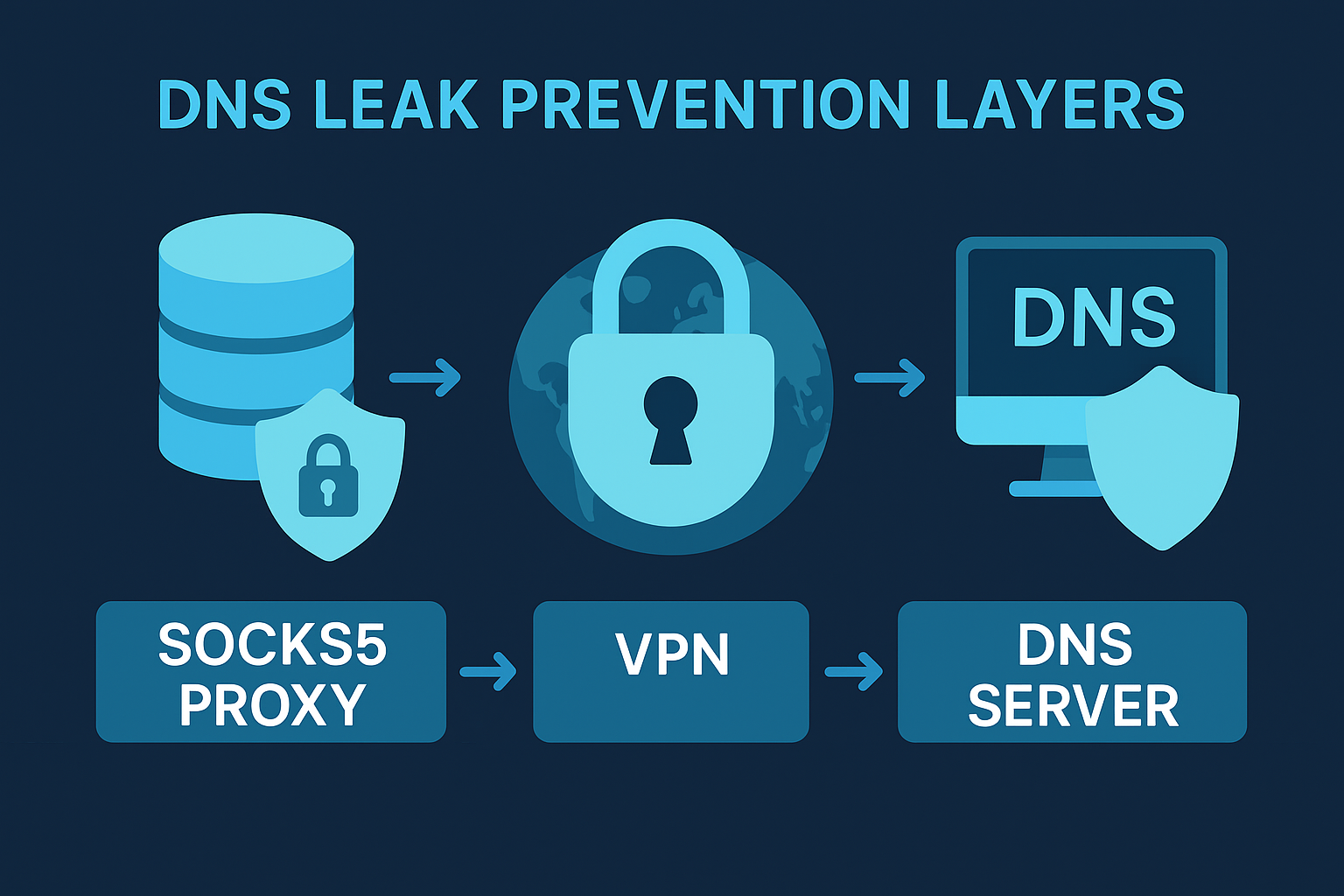
Infographic of privacy layers: SOCKS5 core, DNS alignment, and firewall guardrails
Each layer complements the others — remove one and the others can be bypassed.
SOCKS5
Application-level routing and identity control. The proxy IP is what the world sees — not yours.
DNS alignment
Name lookups follow the same trusted path as data traffic — no ISP resolver bypass.
Firewall guardrails
Enforced boundary against fallback leaks — fail-closed if the proxy drops.

Implementation steps

1
Configure SOCKS5 with authentication
Set SOCKS5 host, port, username, and password in your application. Enable hostname lookup via proxy so DNS also routes through the proxy path. Verify with a leak test before relying on it.
2
Align DNS to the same path
Use a resolver reachable only through the SOCKS5 path. Avoid system resolvers, browser DoH overrides, or any resolver that takes a different network path than your app traffic.
3
Add deny-outside firewall rules
Allow the app to reach only the proxy endpoint and your approved resolver. Block all other outbound paths from the app. Test that the block survives reboot and network adapter changes.
4
Enable real-time monitoring
Monitor for resolver flips, adapter swaps, and proxy endpoint changes. A correct setup today can drift silently — TorSentinel Monitor alerts you the moment something changes.

🛰 Monitoring the stack in real time

Visualization of TorSentinel monitoring layers: proxy, DNS, and firewall status indicators
Live monitoring ensures DNS, proxy, and firewall states remain consistent across sessions.

TorSentinel monitors adapter state, resolver identity, and proxy endpoints to detect changes instantly. This real-time feedback loop is essential for maintaining stability after reboots or network switches — situations where a previously correct setup can silently revert.

🔁
After reboot
Detects if the app starts before the proxy path is ready and announces from your real IP.
📶
Network change
Catches adapter swaps when switching from WiFi to ethernet or mobile hotspot.
🔔
Instant alerts
Email or Telegram notification the moment a resolver flip or proxy change is detected.
Quick checklist for a layered privacy setup
Configure SOCKS5 with authentication and bind the app to the proxy adapter with hostname lookup enabled.
Route DNS through the same path as SOCKS5 — never a system resolver or browser DoH override.
Apply deny-outside firewall rules for the app. Test that they survive reboot and adapter changes.
Enable real-time monitoring for resolver changes and proxy rebinds — especially after network switches.
Verify your setup works right now

Free torrent IP check — no signup

See exactly what IP the swarm detects from your torrent client. If it's your real IP, Armor + Monitor fixes all three layers in one plan.