
Armor now includes SOCKS5 protection. Explore Armor →
TorSentinel TorSentinel
TorSentinel Blog

Inside SOCKS5: How Smart Routing Boosts Speed and Privacy (2025 Deep Dive)

TorSentinel Team
Blog / Inside SOCKS5
Deep Dive SOCKS5 Privacy Networking

Inside SOCKS5: How Smart Routing
Boosts Speed and Privacy

SOCKS5 is a lightweight proxy protocol that routes application traffic through an intermediate server without reshaping the whole device. Because it operates at the socket level, SOCKS5 delivers fast, predictable paths per application while keeping privacy controls simple. This deep dive explains how SOCKS5 works, why it can feel faster than a full tunnel, and the guardrails that turn speed into reliable privacy.
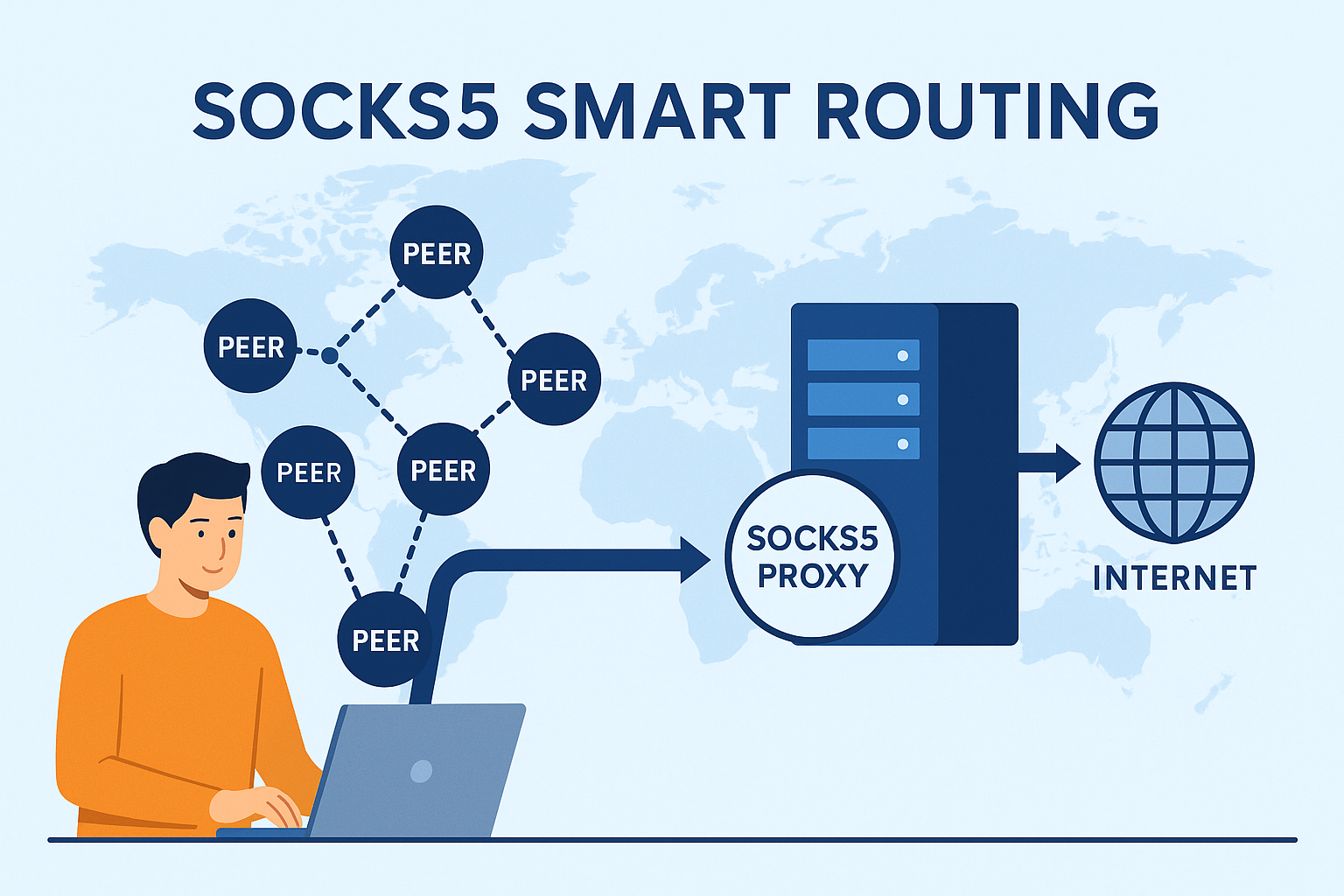
TorSentinel Team · Updated 2025 · 8 min read · Technical
Dark abstract visualization of smart routing paths powered by SOCKS5

What SOCKS5 does and does not do

Routes per application
The app connects to the proxy, which opens the destination connection on the app's behalf — only that app's traffic is affected.
Supports TCP and UDP
CONNECT for TCP streams and UDP ASSOCIATE for datagrams — both protocols are fully supported.
Does not encrypt by itself
Add TLS at the application layer or run inside a system VPN when confidentiality is required.

🔗 Protocol overview: greeting, auth, and commands
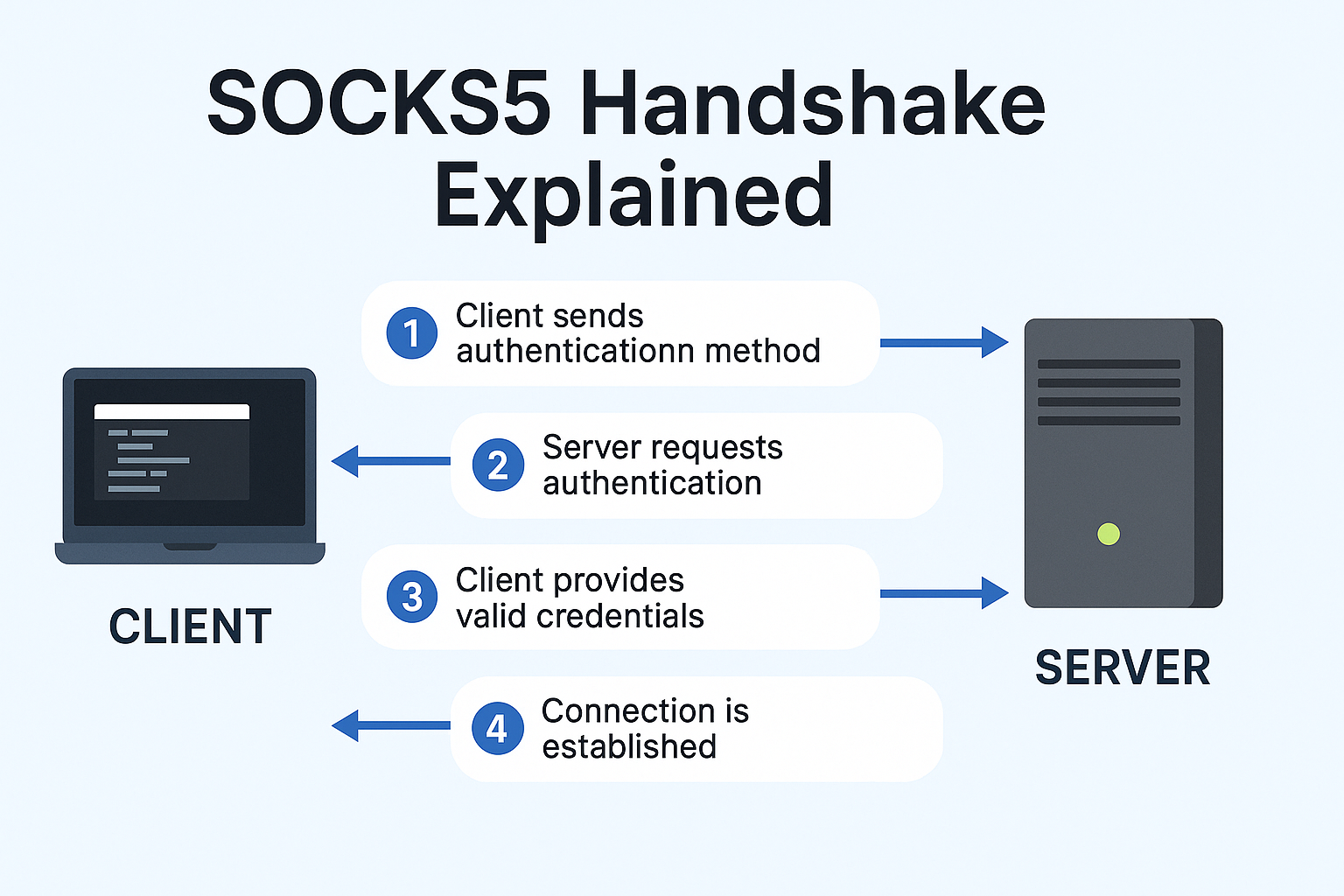
Diagram of SOCKS5 greeting, authentication, and command flow
Client offers auth methods, server selects one, then the client issues CONNECT or UDP ASSOCIATE.
1
Greeting
Client lists supported authentication methods. Server selects one and responds.
2
Authentication
Commonly username and password for shared proxy environments like TorSentinel Armor.
3
Command phase
CONNECT for TCP, UDP ASSOCIATE for datagrams, and BIND for rare inbound workflows.

🚀 Why SOCKS5 can feel faster than a VPN

Infographic highlighting latency path for SOCKS5 versus a full tunnel
Less overhead for the targeted app and fewer moving parts in the path.
🎯
No full-device tunnel
Only the chosen app uses the proxy path — no system-wide encapsulation overhead.
Direct socket relay
Proxy opens the destination connection directly — fewer layers means lower latency.
🔒
Pair with app TLS
Keep confidentiality where needed without forcing full device tunneling.

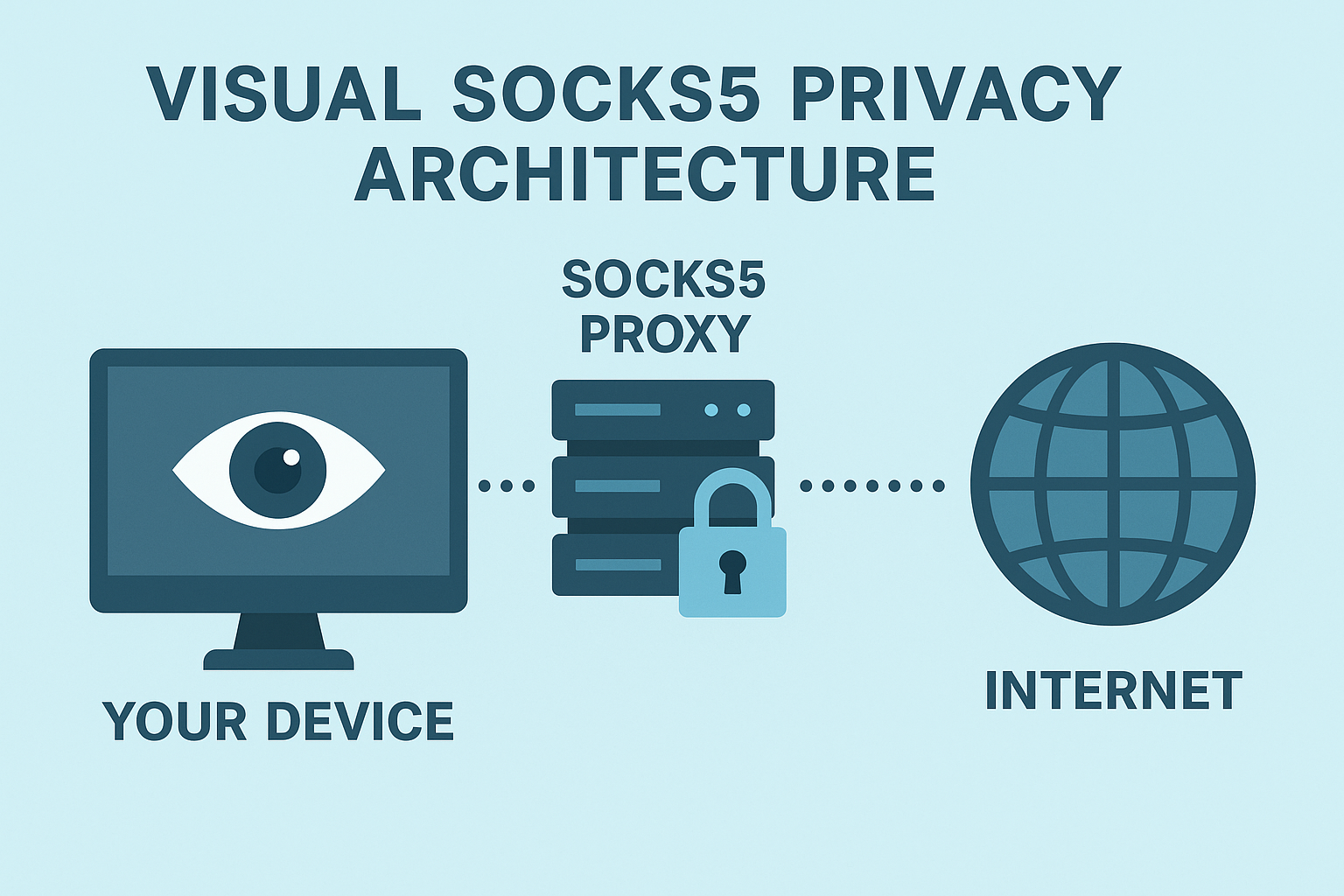
🛡 Privacy model: how SOCKS5 hides your IP

With SOCKS5, the destination sees the proxy server as the source of the connection — your device IP remains private. For strong confidentiality, add TLS at the application layer or place the app inside a VPN while keeping SOCKS5 for precise per-application routing and firewall policy.

🔍 DNS alignment and leak guardrails

Routing your traffic correctly is only half the job. DNS leaks can expose your activity even when the proxy is working. These three rules close the gap:

Pin the resolver
Use a DNS server reachable only through the same path as the app traffic — never the system default resolver.
Bind and deny
Bind the app to the proxy-facing interface. Add firewall rules that deny egress outside that path.
Unify IPv4 and IPv6
Tunnel both or disable the one you don't use — mismatched stacks create side channels that leak your real IP.

📡 UDP ASSOCIATE in practice

When applications need UDP, the client issues UDP ASSOCIATE and the proxy returns an address for datagrams. Application support varies — always test your specific use case and confirm that both DNS and transport follow the intended route before relying on UDP proxy for privacy.

Operational patterns that age well

Per-app policy
Point only the apps that need routing at SOCKS5. Keep others on the normal path to avoid unnecessary overhead.
Safe restart
Delay app start until the proxy path is confirmed up. Verify behavior after every reboot and resume event.
Continuous monitoring
Watch for resolver flips, adapter changes, and unexpected IPv6 routes — these are the most common silent leak sources.

Recommended pattern: SOCKS5 with TorSentinel monitoring
Concept visualization of a SOCKS5 path with DNS and firewall guardrails plus monitoring
Bind the app, align DNS, deny outside path, and monitor for changes in real time.
1
Configure SOCKS5 host, port, and authentication in the application and confirm only proxy egress occurs.
2
Pin the resolver and route all name lookups through the same trusted path as your traffic.
3
Allow only proxy and resolver endpoints in your firewall — deny all other egress from the app.
4
Enable real-time monitoring for adapter and resolver changes to catch configuration drift before it becomes a leak.
Key takeaways
SOCKS5 delivers speed and control by routing per application at the socket level — no full-device overhead.
For confidentiality, add TLS in the app or place it inside a VPN while keeping SOCKS5 for routing precision.
Bind the app, align DNS, deny outside-path egress, and monitor for changes — these four steps prevent leaks.
Put it into practice

Protect your torrent IP today

TorSentinel Armor gives you a SOCKS5 proxy tuned for torrenting plus 24/7 leak monitoring. Start your 7-day free trial — no risk.