
SOCKS5 is a lightweight way to route application traffic through a trusted path without reshaping your entire system. This guide explains how the protocol works, when to use it, where it fits versus VPN and HTTPS proxy models, and how to configure it safely.
What SOCKS5 does at a glance
- App level routing: The application connects to a local or remote SOCKS5 server. That server opens the final connection to the destination.
- No opinion on encryption: SOCKS5 by itself does not encrypt payloads. Many setups pair it with TLS in the app or with a system VPN for confidentiality.
- Flexible transports: Works with TCP and also supports UDP via the UDP ASSOCIATE command.
Protocol flow: handshake and commands
1) Greeting and authentication
Client connects to the proxy and offers supported auth methods. The server selects a method. Common options include no auth in private environments or username and password for shared systems.
2) Command phase
- CONNECT: Ask the proxy to open a TCP connection to host:port and relay bytes both ways.
- UDP ASSOCIATE: Ask the proxy to relay UDP datagrams. The server returns an endpoint for subsequent UDP packets.
- BIND: Less common. The proxy listens for an incoming connection and informs the client when it arrives.
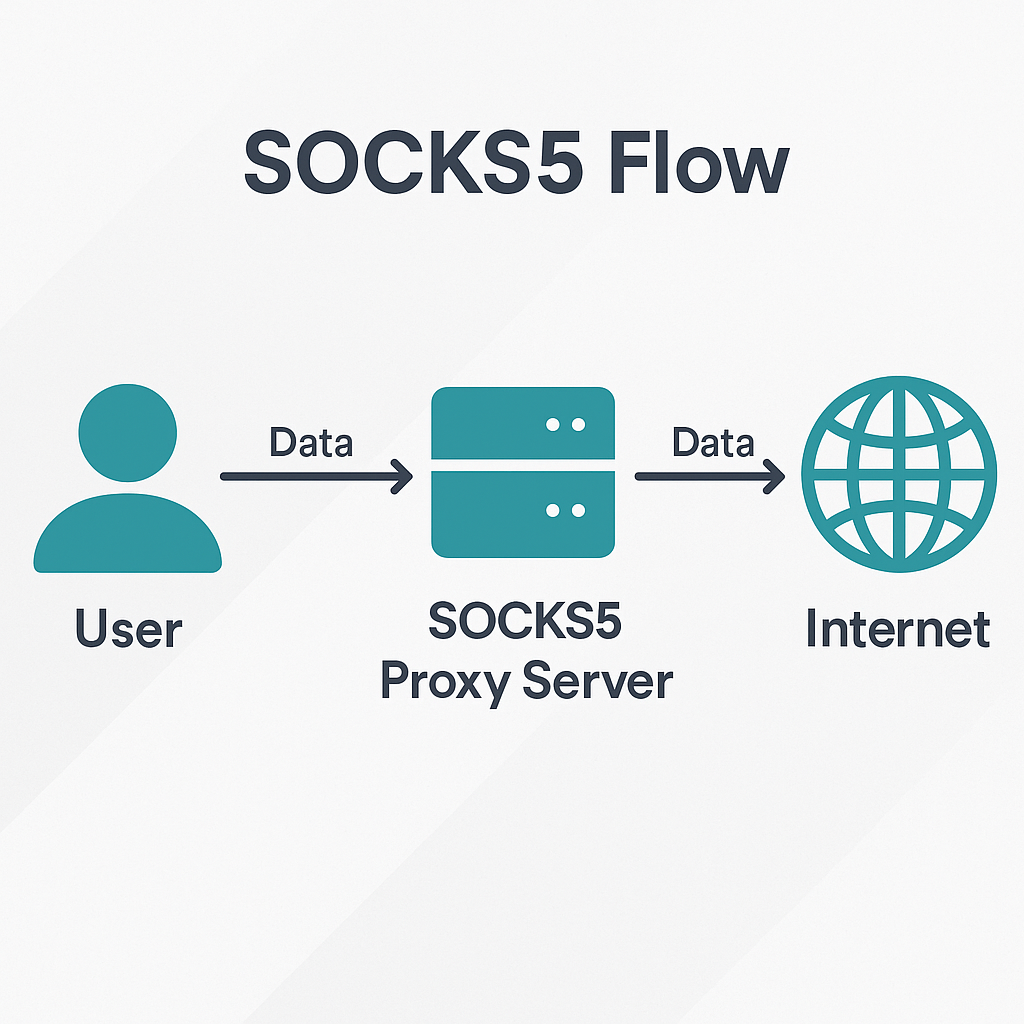
Where SOCKS5 shines
- Per app policy: Route only a single application through a controlled path without changing the rest of the system.
- Container and headless use: Easy to point a service or container at a proxy endpoint for clean egress control.
- Firewall clarity: Policies can permit the app to speak to the proxy and deny any other egress.
SOCKS5 vs VPN vs HTTPS proxy
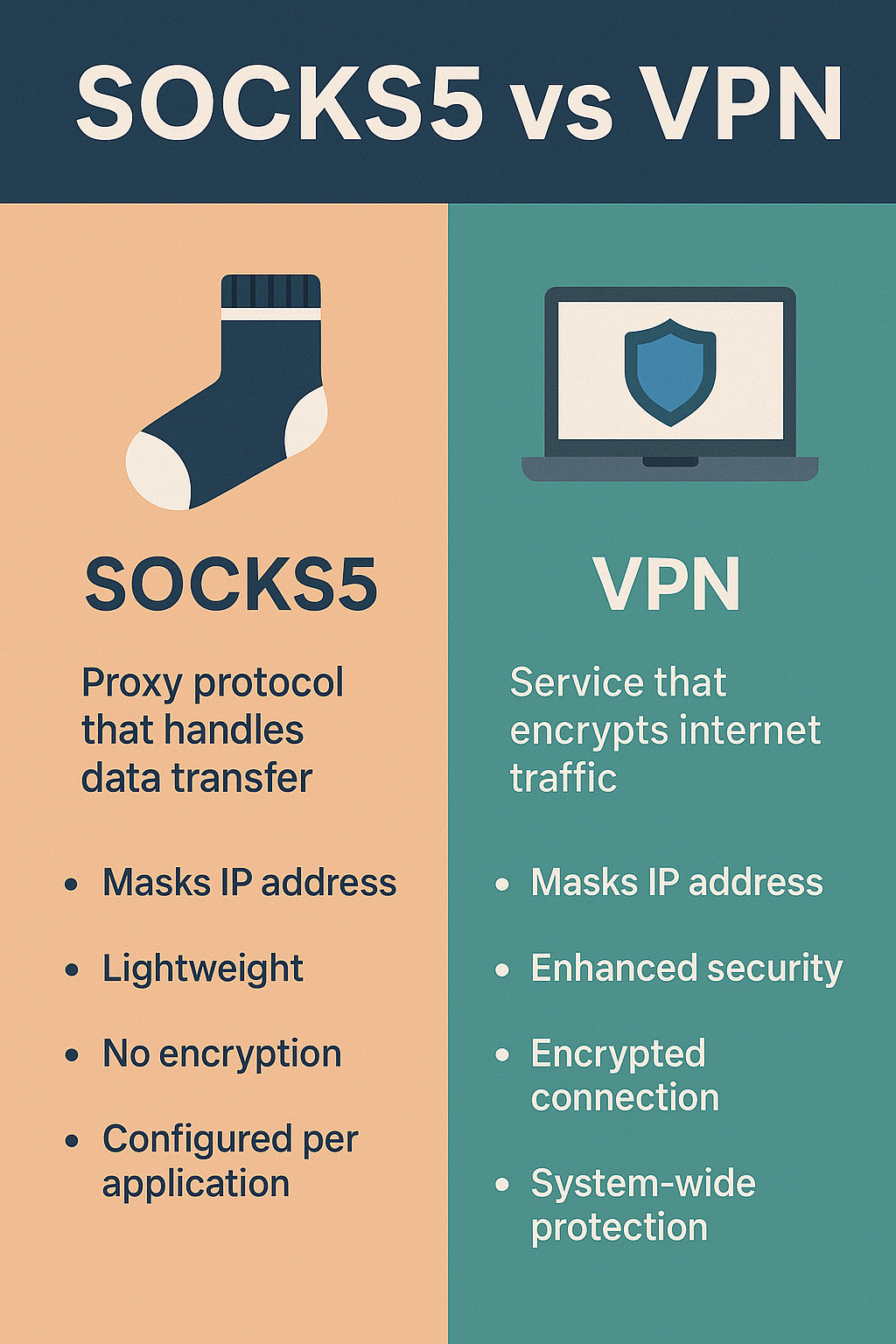
| Layer | Scope | Strengths | Trade offs | Good fit |
|---|---|---|---|---|
| SOCKS5 | Per application | Precise routing, simple firewall rules, supports UDP via associate | No native encryption, needs pairing with TLS or system VPN if confidentiality is required | Headless, containers, controlled egress for a single app |
| VPN | System or user session | Single trusted pipe, easy to bind to an adapter, good for deny outside path | All or nothing unless split tunneling is configured correctly | Desktops, laptops, and complete system routing |
| HTTPS proxy | HTTP and HTTPS aware | Can add caching or content policy, easy browser integration | Protocol specific, not designed for arbitrary TCP or UDP | Web centric apps and enterprise policy layers |
Safe configuration patterns
- Bind the app to the proxy path: In the app, set SOCKS5 host, port, and authentication. Confirm that direct egress is disabled.
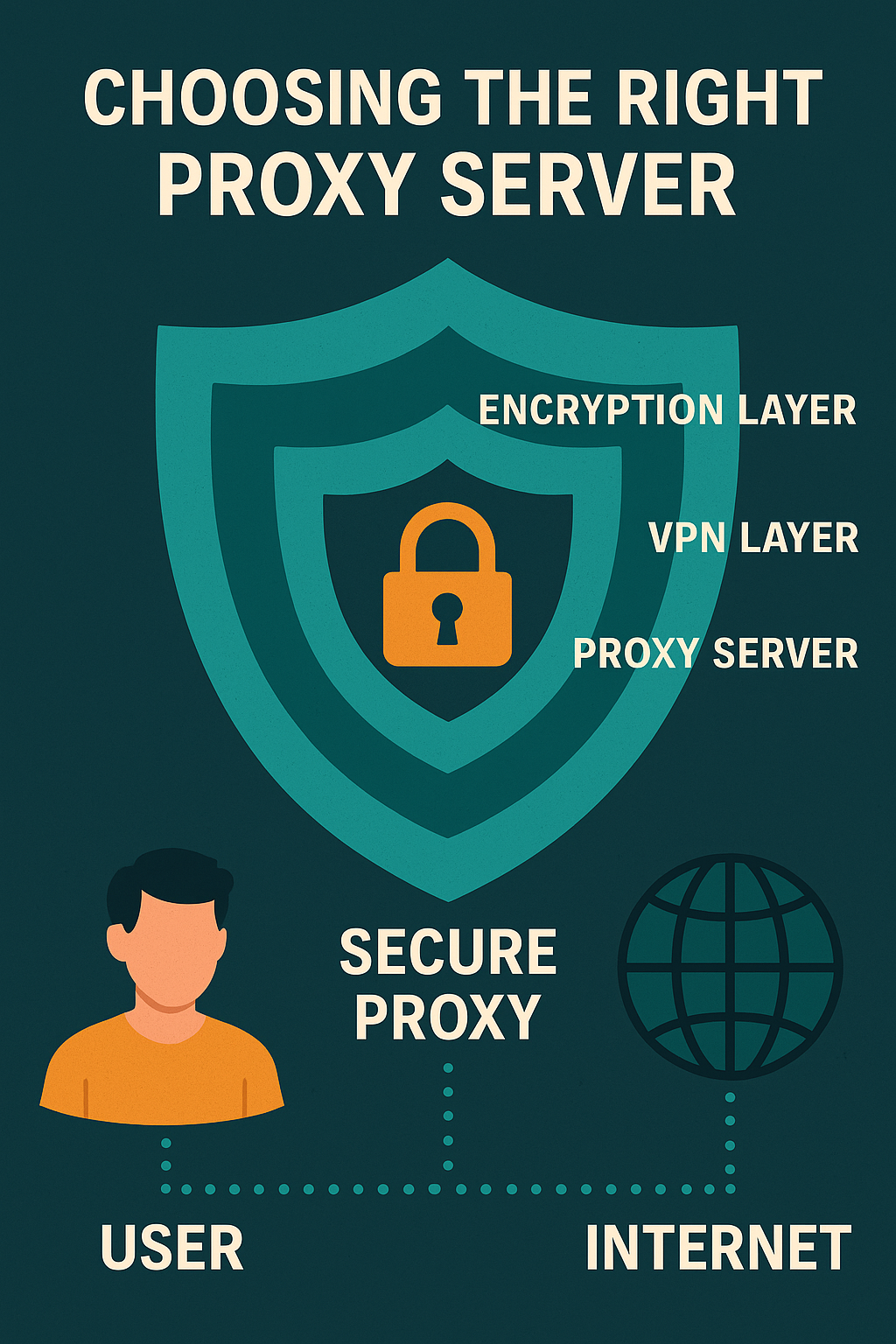
- Decide on encryption: If the data needs confidentiality, pair SOCKS5 with TLS inside the app or run the app inside a system VPN.
- DNS policy: Ensure the resolver aligns with your intent. When possible, route name lookups through the same trusted path as the app traffic.
- IPv6 stance: Permit or disable IPv6 for the app explicitly. Avoid mixed states that create surprise routes.
- Firewall deny by default: Allow the app to reach the proxy. Deny the app to reach any other external address.
Validation: test then monitor
- Use a small test workload to verify that the app only connects through the proxy endpoint.
- Check that DNS queries follow the same trusted path and do not fallback to other resolvers after reboot or adapter changes.
- Watch logs for adapter changes, name resolution flips, and unexpected ports.
Common questions
Is SOCKS5 the same as encryption
No. SOCKS5 is a relay and routing mechanism. Add TLS inside the application or use a system VPN when confidentiality is required.
When should I choose SOCKS5 over a VPN
Choose SOCKS5 when you want per application routing and precise egress control. Choose a VPN when you want a single trusted tunnel for the entire system or user session.
Can SOCKS5 handle UDP
Yes. The protocol supports UDP via the UDP ASSOCIATE command. Application support varies, so test your use case.
Key takeaways
- SOCKS5 gives per app routing and clean firewall policy. It does not encrypt by itself.
- Pair with TLS or a system VPN when confidentiality is needed.
- Keep DNS and IPv6 policy consistent with the app route. Verify after reboots and adapter changes.