
Torrent trackers provide coordination, but they also create visibility. Even with a privacy layer, the way a client announces, identifies itself, and interacts with peers can reveal patterns that reduce anonymity. This neutral guide explains the main exposure points and the habits that reduce them without hype.
What a tracker can see
Trackers vary, but most receive structured announces from clients at intervals. These announces include identifiers, port information, and swarm behavior that together form a profile. Combined with passive peer scraping or swarm monitoring, observers can link events over time.
- Endpoint tuple: IP and port as observed by the tracker or peers.
- Client identity hints: peer ID pattern, user agent style, feature flags, and version signatures.
- Timing: announce cadence, reconnect patterns, completion events, and seeding windows.
- Torrent behavior: which info hashes you join, how long you remain, and typical throughput windows.
Fingerprinting basics: how clients stand out
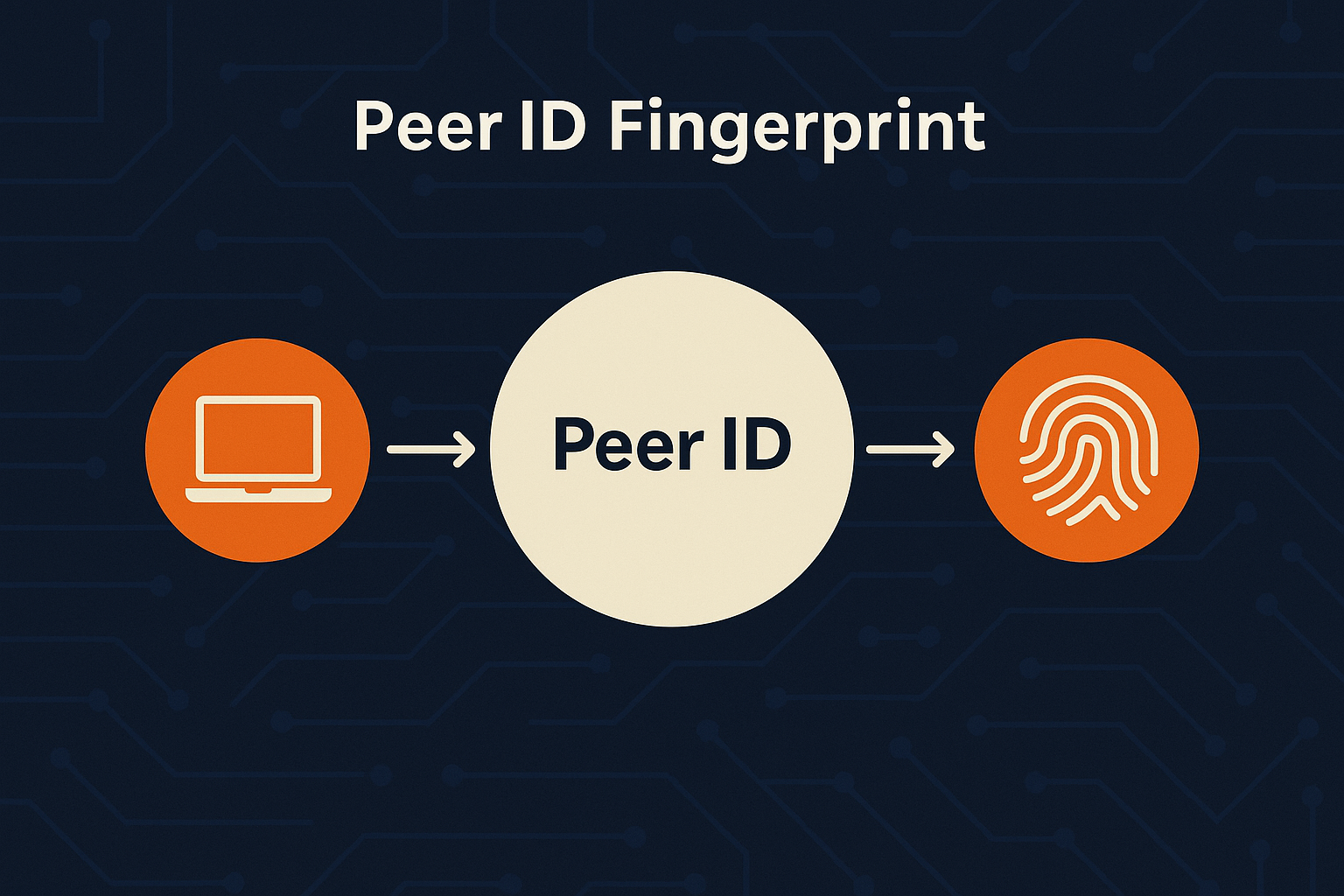
Fingerprinting does not require payload decryption. Small differences in how clients behave are often enough to cluster activity. Common signals include:
- Peer ID and user agent style: many clients encode brand and version in predictable ways.
- Feature negotiation: support for extensions, encryption preferences, and transport choices.
- Clock signature: announce intervals and retry timing can be surprisingly consistent.
- Network path traits: stable latency bands or MTU quirks may show up in peer observations.
Public vs private trackers
Public trackers optimize for scale and availability. Private trackers add curation and access control. Each model changes the exposure profile.
| Environment | Pros | Cons | Notes |
|---|---|---|---|
| Public tracker | Fast discovery and large swarms | Broader observation surface | Prefer trusted lists; avoid unknown mirrors |
| Private tracker | Curation and community rules | Accounts, ratios, and policy requirements | Rules often restrict DHT and PEX by design |
Leak vectors you can control
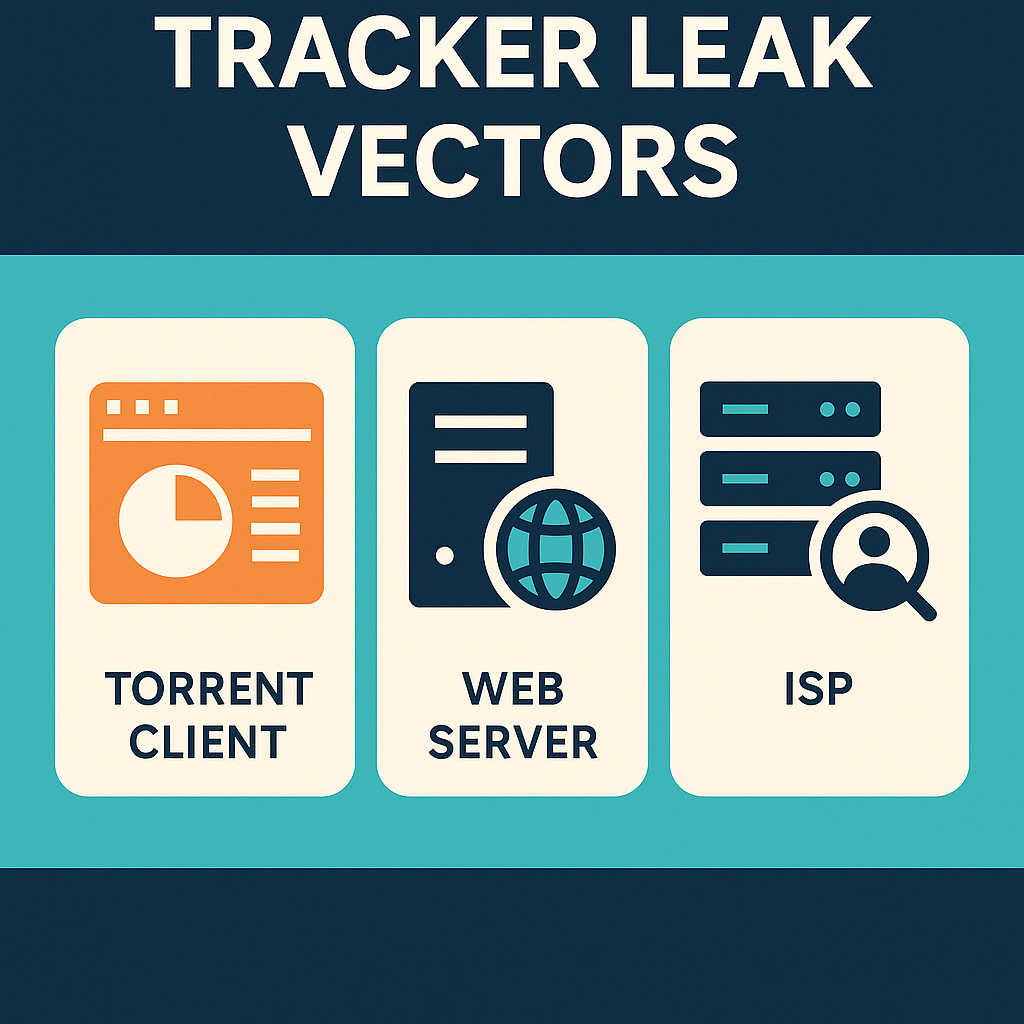
Many exposures are operational rather than purely technical. These are the recurring categories that matter in practice:
- Restart window: client autostarts before the trusted interface or proxy is available, causing brief default route traffic.
- Web UI exposure: administrative panels reachable from the public internet or without strict authentication.
- DNS inconsistency: resolver or IPv6 policy flips after reboot, sleep, or adapter change.
- Discovery scope: DHT and PEX widening the audience beyond a chosen tracker policy.
- Port and NAT policy: predictable ports or permissive UPnP on untrusted LANs.
Configuration that reduces visibility
1) Bind to a trusted network interface
Choose a specific adapter for torrent traffic. If the adapter is down, traffic should fail closed rather than fall back to a default route. Confirm with firewall rules that deny egress outside the trusted path.
2) Curate trackers and scope discovery
Remove unknown or untrusted trackers from torrent files. Align DHT and PEX with your rules. For stricter models and many private sites, disable DHT and PEX entirely or on a per torrent basis.
3) Stabilize timing
Announce intervals and reconnect patterns can be distinctive. Avoid frequent restarts or rapid network flapping. Delay client startup until the trusted interface is ready.
4) Harden the Web UI and automation
Require strong authentication, use a non default port, and avoid open internet exposure. With reverse proxies, add IP allowlists and rate limits. For automation scripts, use scoped tokens and restrict IP ranges.
5) DNS and IPv6 policy
Decide explicitly whether torrent traffic uses IPv6. Verify your resolver after reboot and adapter changes, and confirm that your DNS path matches your intended policy.
Practical table: quick choices that age well
| Decision | Default | Stricter | Notes |
|---|---|---|---|
| Discovery scope | Trackers + DHT + PEX | Tracker only, limited peers | Private rules may require DHT and PEX off |
| Web UI access | Auth + TLS | Auth + IP allowlist + proxy | No open exposure, rotate credentials |
| Firewall posture | Allow trusted adapter | Deny any other adapters | Fail closed on adapter change |
| DNS policy | Preferred resolver | Pinned resolver + monitoring | Verify after restart and sleep |
Future outlook: smarter observation, smarter hygiene
Observation is moving toward behavioral signals at the edge. At the same time, client defaults and home server setups are improving. The long term advantage goes to users who keep configurations simple and repeatable: binding to a trusted path, denying outside that path, scoping discovery, and keeping UI access private and authenticated.
Stealth checklist
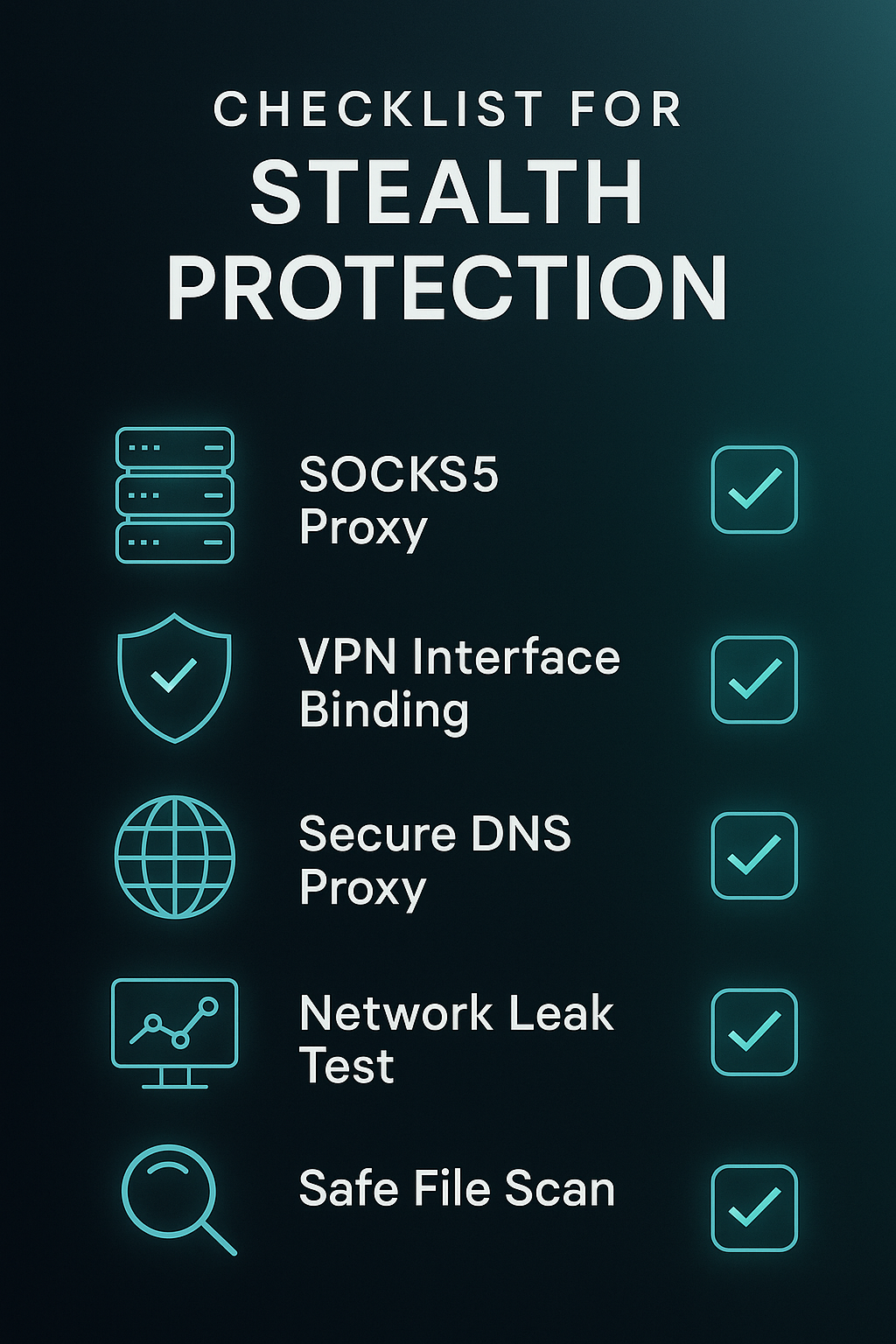
- Bind client to a trusted adapter. Verify with firewall deny outside that path.
- Delay autostart until the trusted interface is confirmed up.
- Curate trackers. Align DHT and PEX with rules and tolerance.
- Harden Web UI with auth, IP allowlists, and a reverse proxy.
- Pin a resolver you trust. Decide your IPv6 policy explicitly.
- Use stable ports and avoid noisy restarts that create timing signatures.
FAQ
Can a tracker deanonymize me by itself
A tracker sees the endpoint and metadata your client provides. That data can be combined with other observations. Reducing exposure means limiting what you share, where you share it, and when traffic appears outside the trusted path.
Should I disable DHT and PEX
It depends on your environment. Many private trackers require both off. On public swarms, DHT and PEX accelerate discovery. Choose based on your rules and risk tolerance.
Is a proxy enough
SOCKS5 is routing, not encryption. Many users pair it with a system or app encryption layer or use a VPN. The important part is consistency: bind the client and deny outside that path.