
TorSentinel Team •
Security Guide
Firewall
Privacy
DNS
Windows
Linux
macOS
Firewall Rules for Privacy:
Building the Last Line of Defense
A firewall is more than a perimeter. For privacy it is the guardrail that prevents accidental egress, mixed DNS paths, and adapter fallbacks. This guide explains how to express a simple privacy policy as outbound rules that age well across updates and restarts.
TorSentinel Team
·
Updated 2025
·
7 min read
·
Advanced

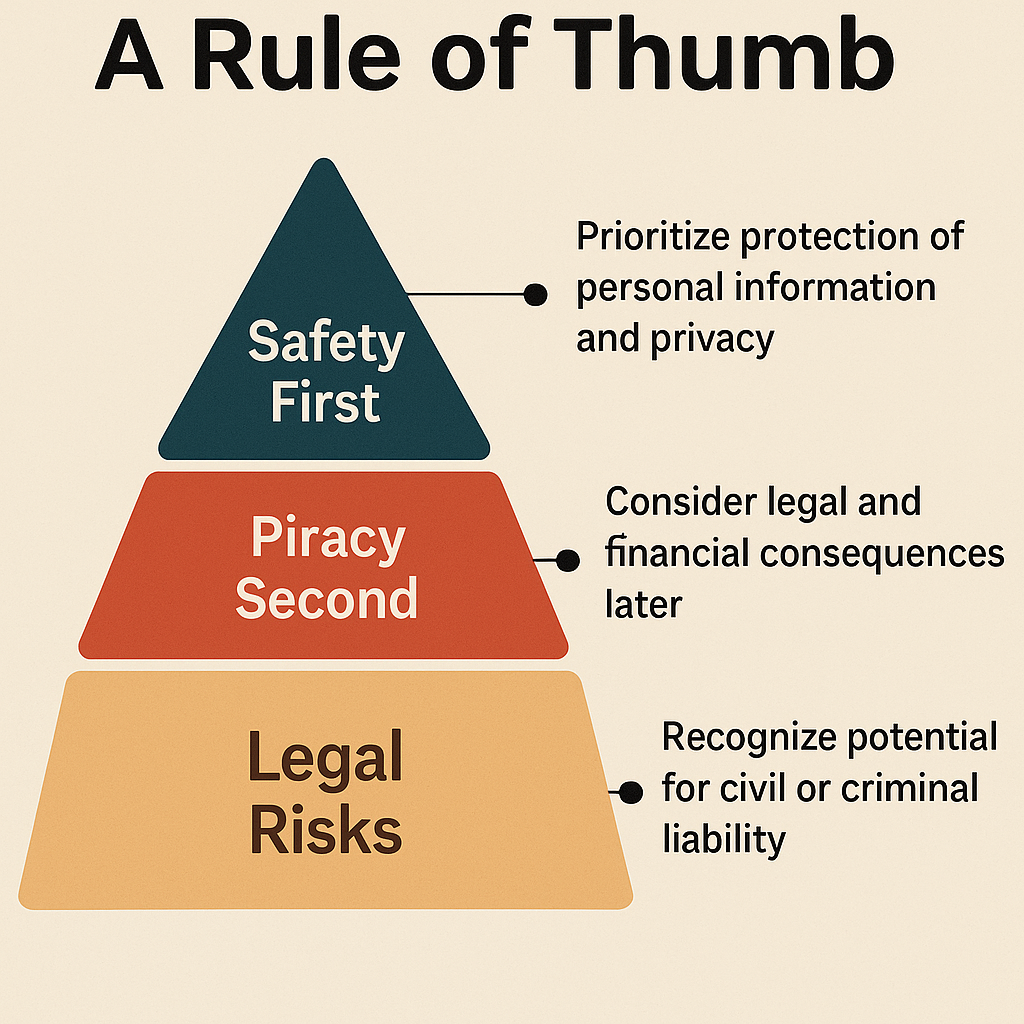
Privacy policy in one line
Only allow the application to talk through the trusted path. Deny other egress. Verify that name resolution follows the same path.
→
Trusted path: a VPN adapter, a proxy endpoint, or a specific interface and subnet
→
Fail closed: if the trusted path is down, traffic must stop rather than fall back to your real IP
→
Resolver alignment: DNS queries use the same interface as the application traffic
⚡ How rules flow
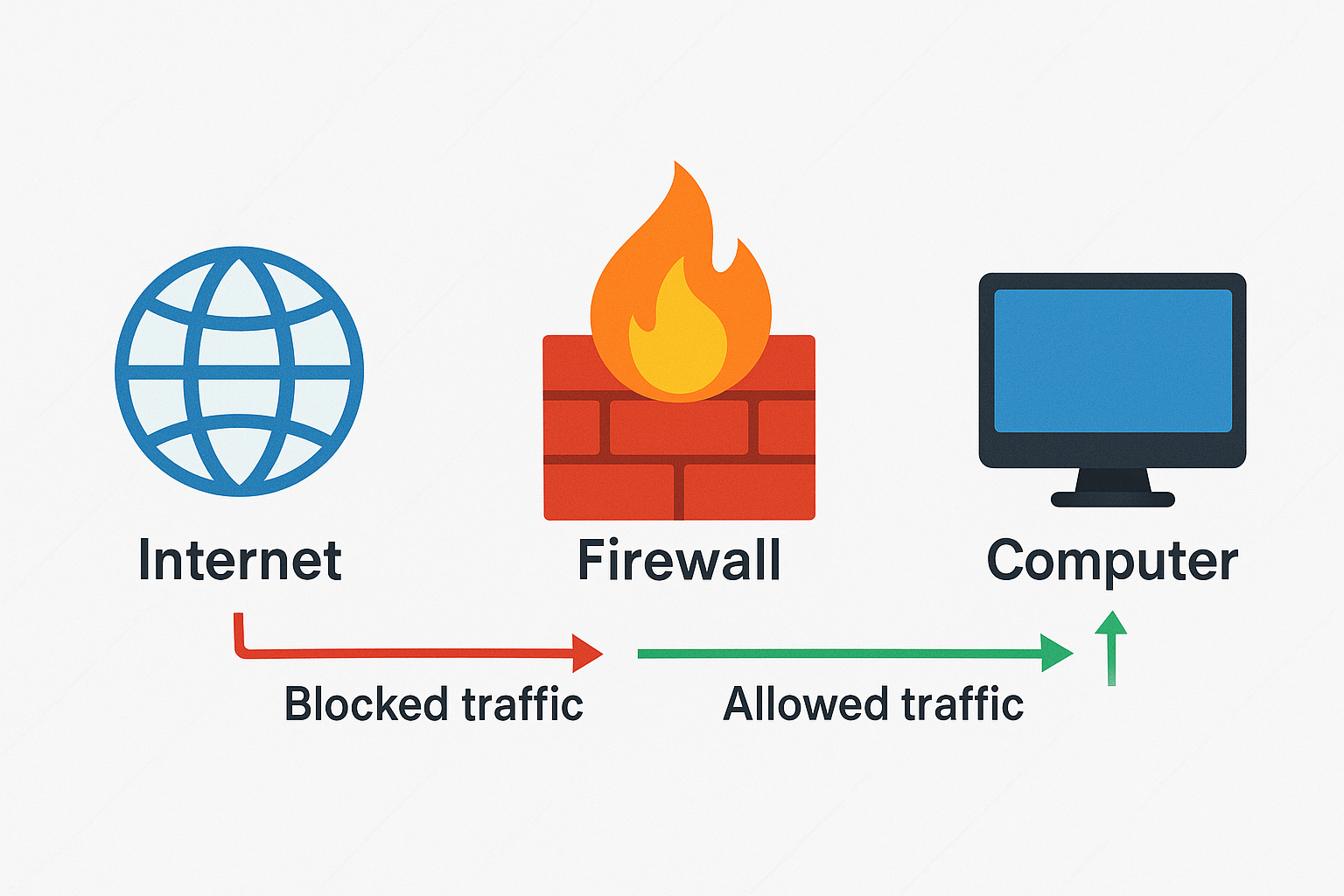
🧱 Core building blocks
✓
Outbound allow list
Permit the app to contact proxy or VPN subnets and management endpoints only — nothing else.
✓
Outbound default deny
Block the app from reaching any other external address or interface. This is what makes the setup fail-closed.
✓
DNS alignment
Allow DNS only to your resolver inside the trusted path. Deny access to any other resolver — including ISP defaults and browser DoH overrides.
✓
Inbound minimalism
Only open inbound ports that are strictly required. Everything else stays closed by default.
📋 Rule priority and scope
| Layer | Purpose | Example |
|---|---|---|
| Application allow | Let the app reach proxy or VPN endpoints only | Allow exe → 10.0.0.5:1080 via tun0 |
| DNS allow | Permit resolver inside trusted path only | Allow udp:53 → resolver via tun0 |
| Default deny | Block all other destinations and interfaces | Deny app outbound any any |
💻 Cross-platform outlines
Windows
Windows Firewall / WFP
→
Create an outbound rule to allow the app executable to reach proxy IPs and ports only
→
Create an outbound rule to allow DNS only to your resolver IP or DoH endpoint
→
Create an outbound block rule for the app to any address not matched by the above allow rules
Linux
nftables / iptables
→
Mark app traffic or run the app in a network namespace bound to the trusted interface
→
Use nftables or iptables to allow marked traffic to proxy/VPN subnets and resolver, then drop the rest
→
Optional: use policy routing or WireGuard interface rules to enforce adapter binding at the routing layer
macOS
pf / app firewall
→
Use a third-party app firewall or pf anchors to allow the app to contact trusted endpoints and resolver only
→
Add a final block rule for app outbound to any other destination
🔬 Validation routine
1
Stop the app. Enable rules. Start the app — verify connections succeed only to allowed endpoints
2
Disable the trusted interface — confirm the app cannot reach the internet (fail-closed test)
3
Check DNS lookups — they should resolve only via the allowed resolver path
4
Reboot and repeat — adapter race conditions appear most often at startup
🛡 Layered defense
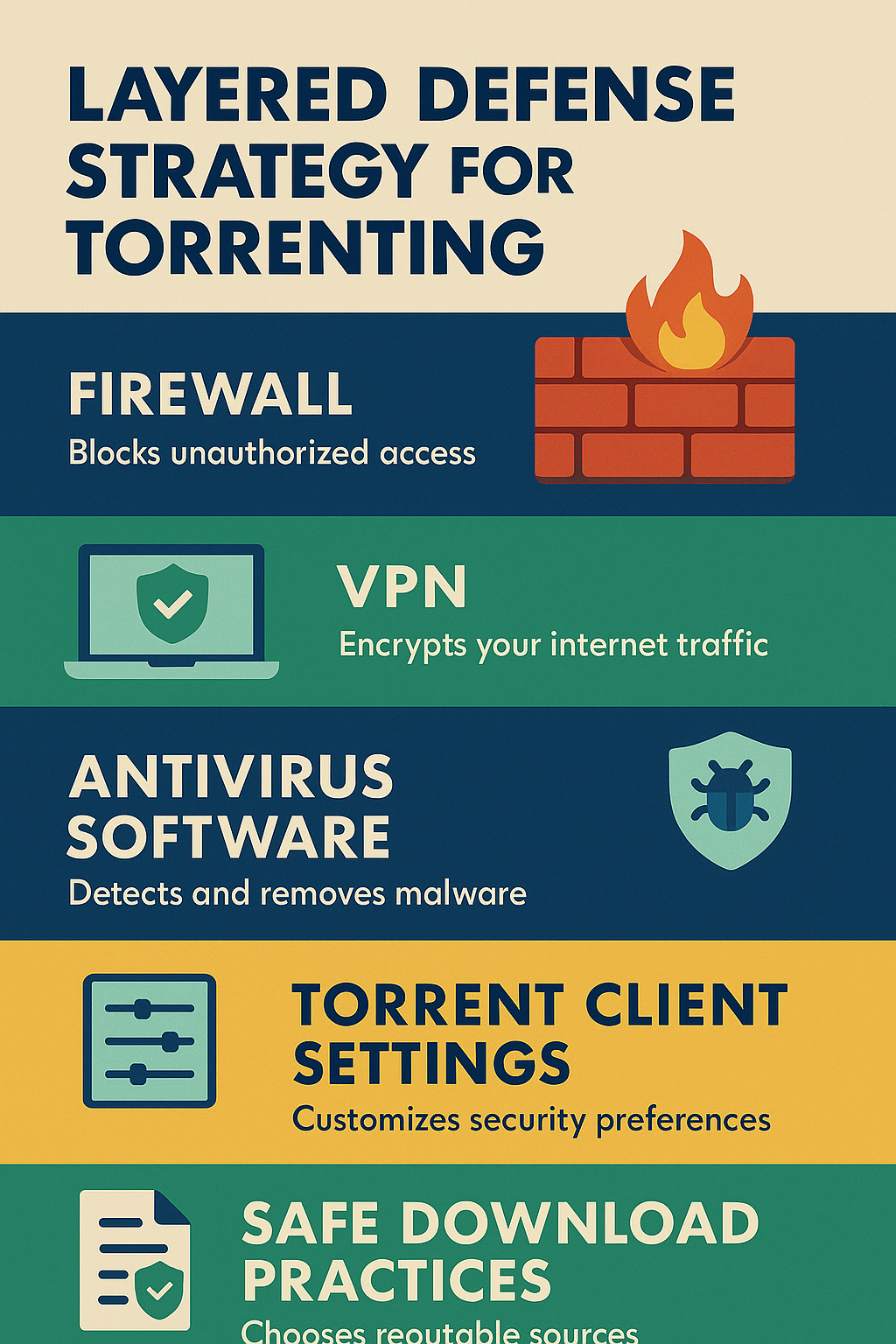
🔗
SOCKS5 / VPN
Routes the app through a trusted path and hides the real IP from destinations.
🔍
DNS alignment
Keeps name lookups on the same path so query history doesn't leak to your ISP.
🧱
Firewall
Enforces the policy when the proxy drops, network changes, or the app restarts unexpectedly.
Privacy firewall checklist
✓
Allow app to contact only trusted endpoints on the trusted interface.
✓
Allow DNS only to a pinned resolver on the same path — block all other resolvers.
✓
Block all other outbound traffic from the app with an explicit deny rule.
✓
Keep inbound closed unless strictly required by the application.
✓
Run the fail-closed test and repeat all checks after reboots and updates.
Verify your setup holds up right now
Free torrent IP check — no signup
Your firewall rules mean nothing if the swarm still sees your real IP. Confirm it takes 30 seconds.